
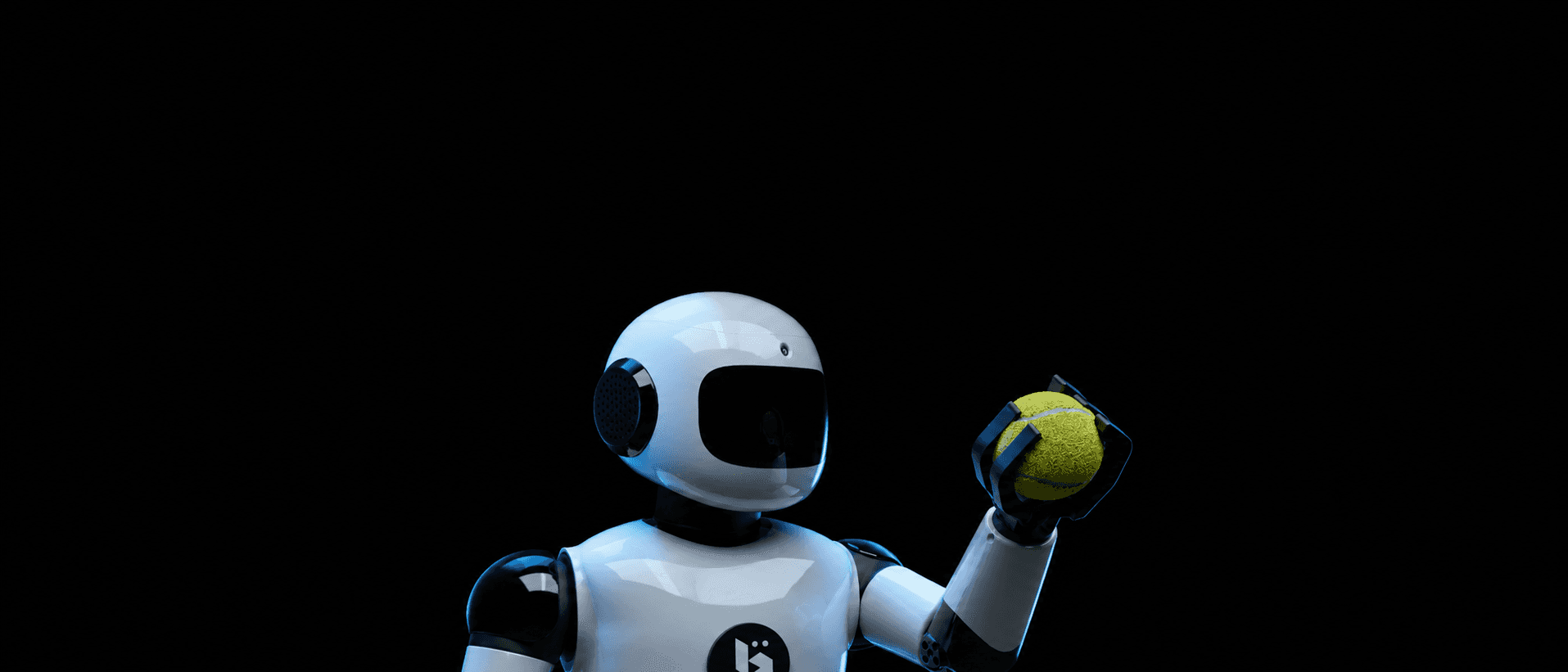
BonicBot A Series
Education & STEM
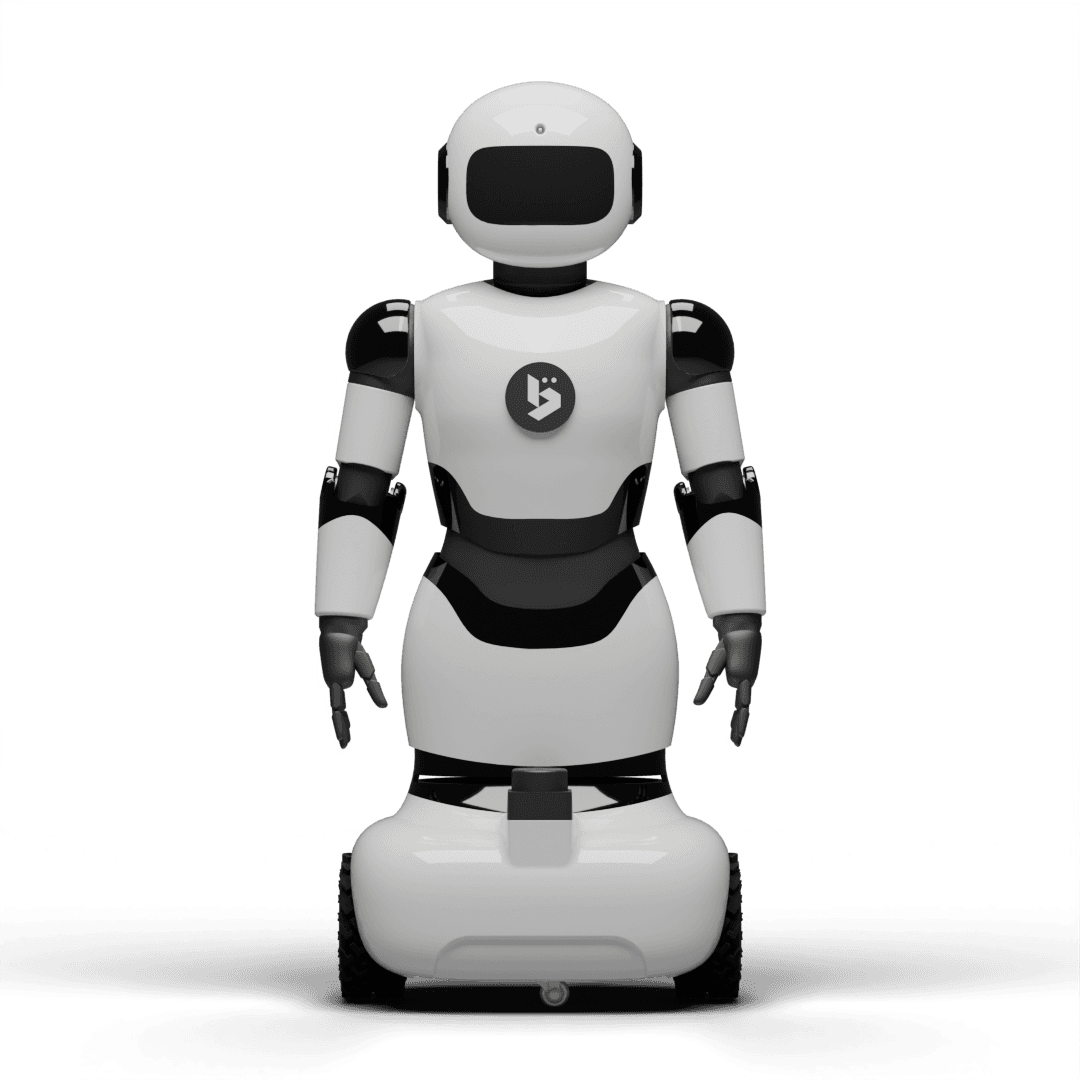
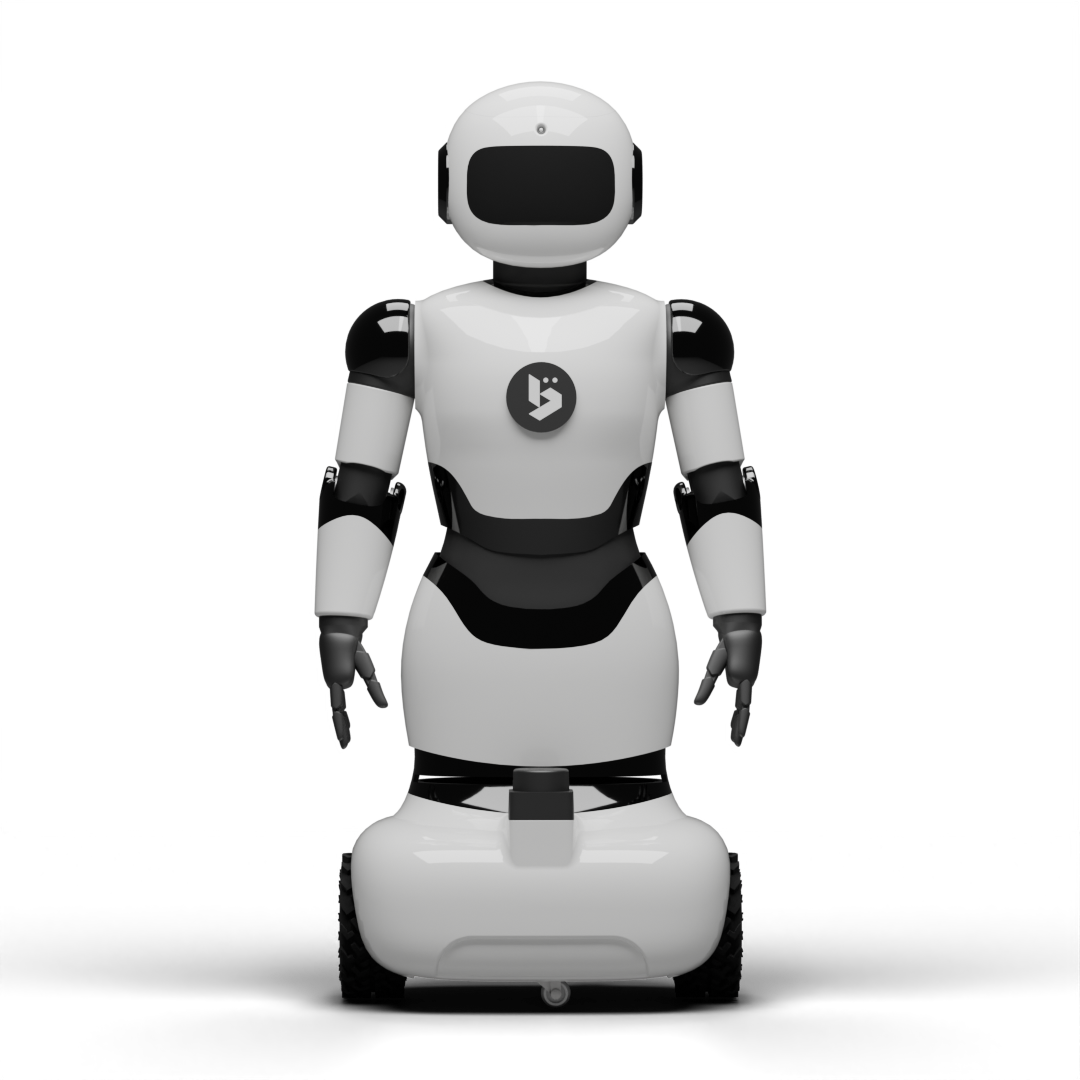
The BonicBot A Series is an affordable, modular educational robot designed for schools and STEM labs, featuring ROS2 navigation, 5–7 DOF joints, and block-coding via BonicAI.
80 cm
Entry-level compact height ideal for classroom and lab desks.
7 DOF
Upgradeable joints allowing smooth, expressive motion and arm manipulation.
4600 mAh
Delivers 2-3 hours of active runtime for continuous class lessons.
RPi 4 + MCU
Onboard Raspberry Pi 4 processor (Pro models) interfacing with custom controller boards.
5W Speaker
Clear audio output for multi-language speech and feedback.
IMU, Camera, LiDAR
Equipped with 360° LiDAR, a high-res camera, and inertial sensor.
RGB Display + Articulation
Expressive RGB face interface combined with neck servo movement.
Adapter Charging
Adapter-based direct wall charging with power status indicator.
See the BonicBot A Series in Action
Watch a live demonstration of autonomous navigation, joint movements, and AI interactions.

Click to play preview video
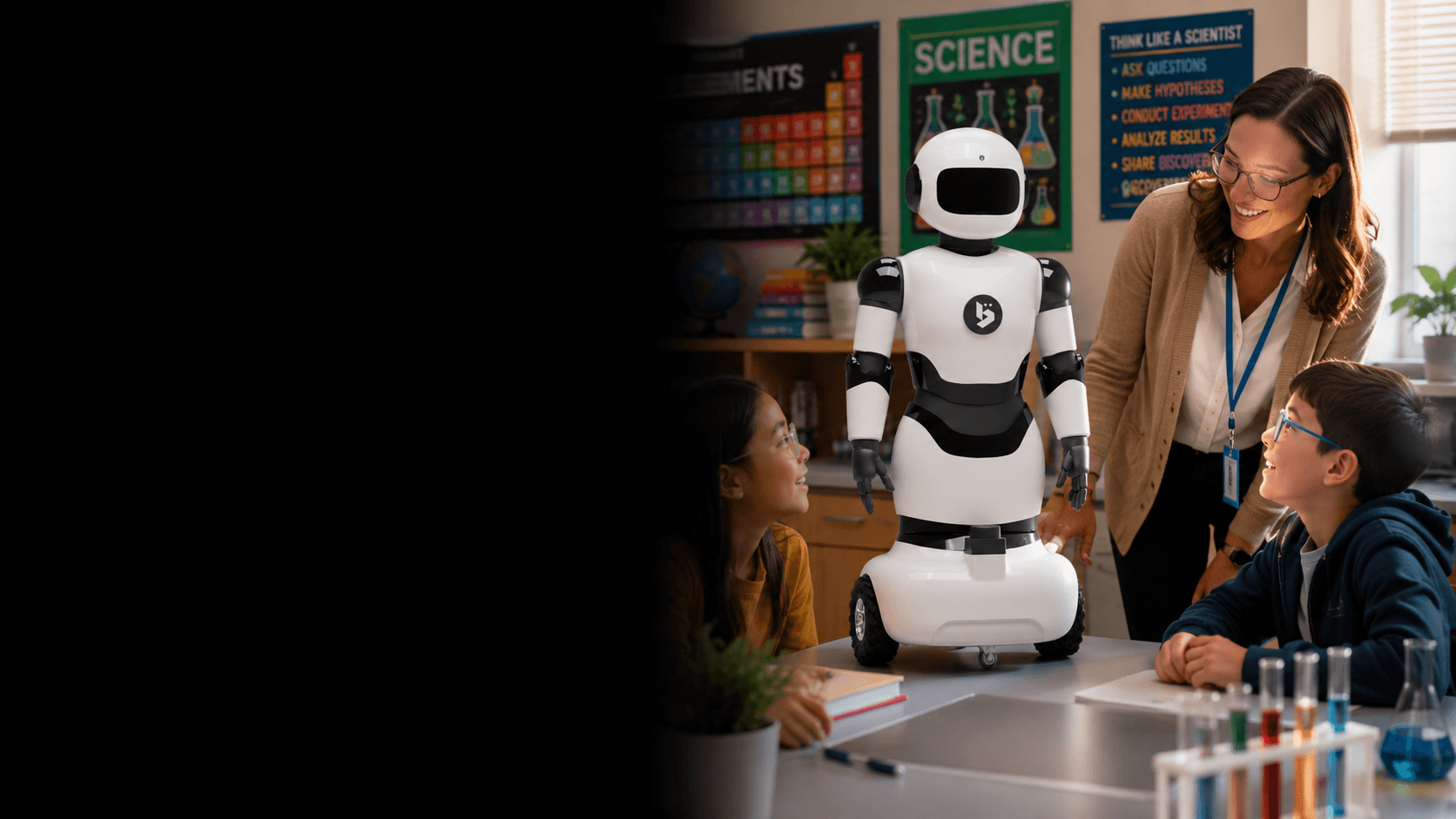
School STEM Labs
Structured robotics curriculum with lesson plans, coding exercises, and hands-on demonstrations.
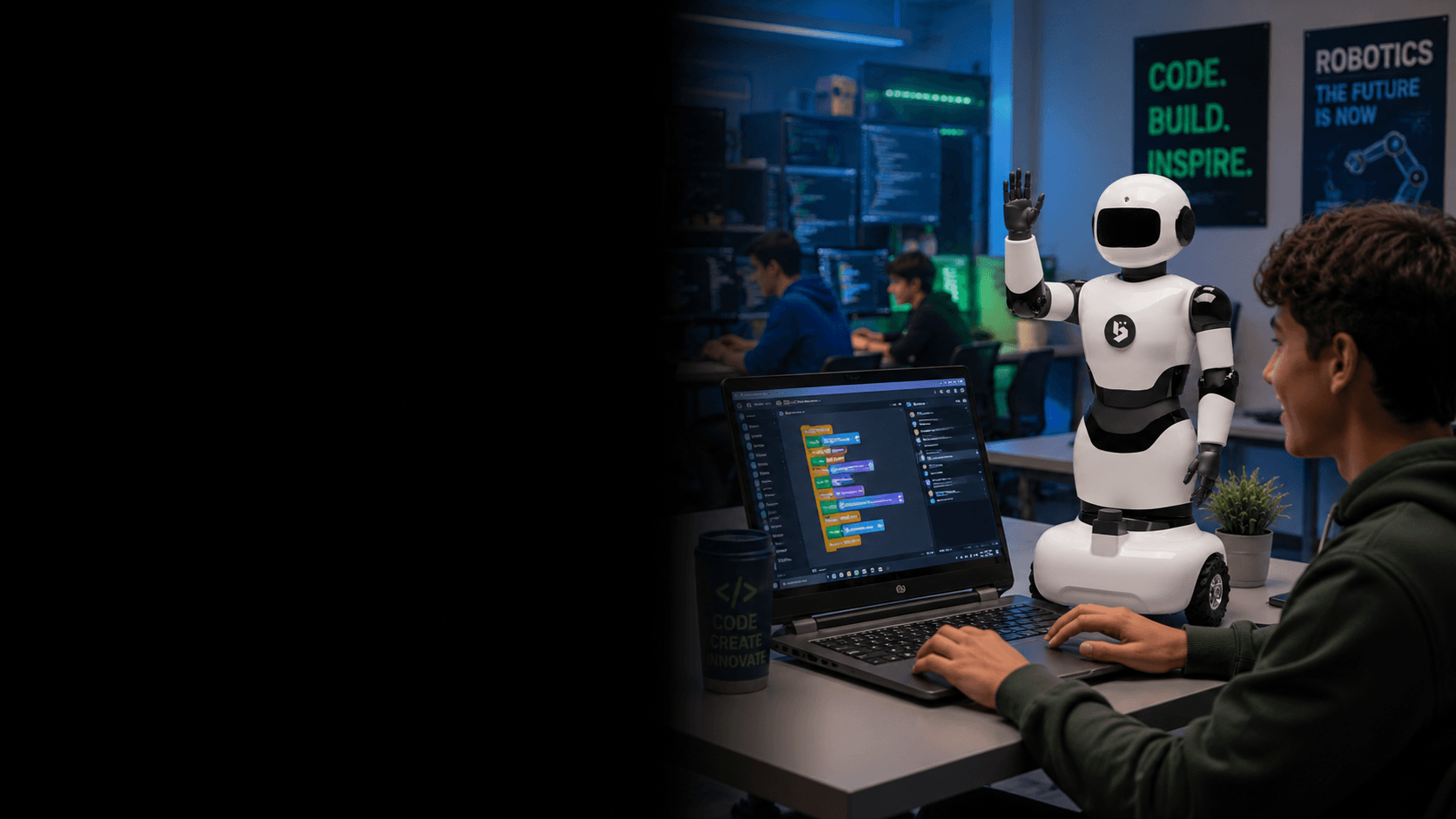
Coding Clubs
Block and Python programming in a real, physical robot — not just a screen simulator.
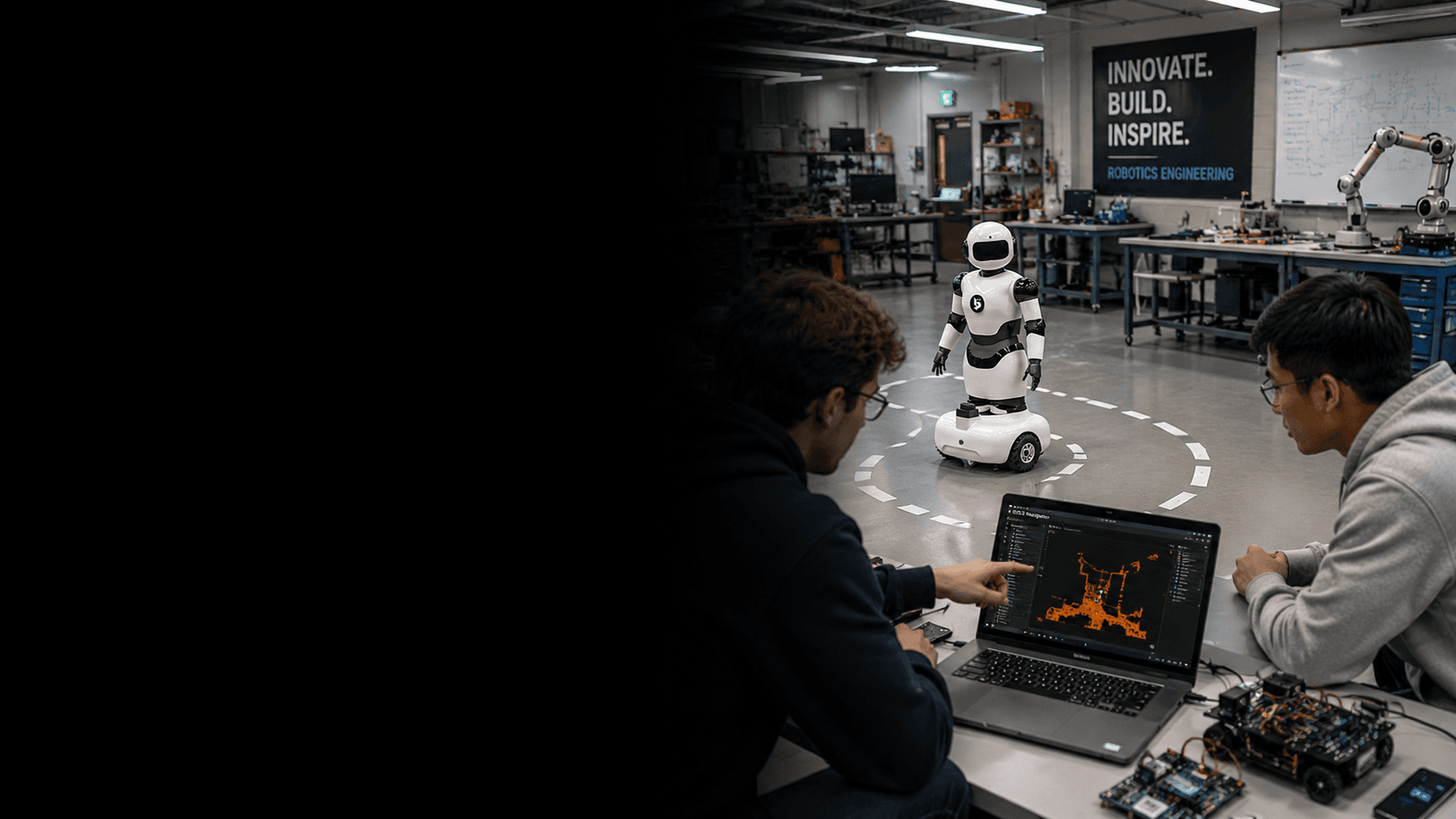
University Intro Courses
ROS2 and autonomous navigation for undergraduate robotics and computer science programmes.
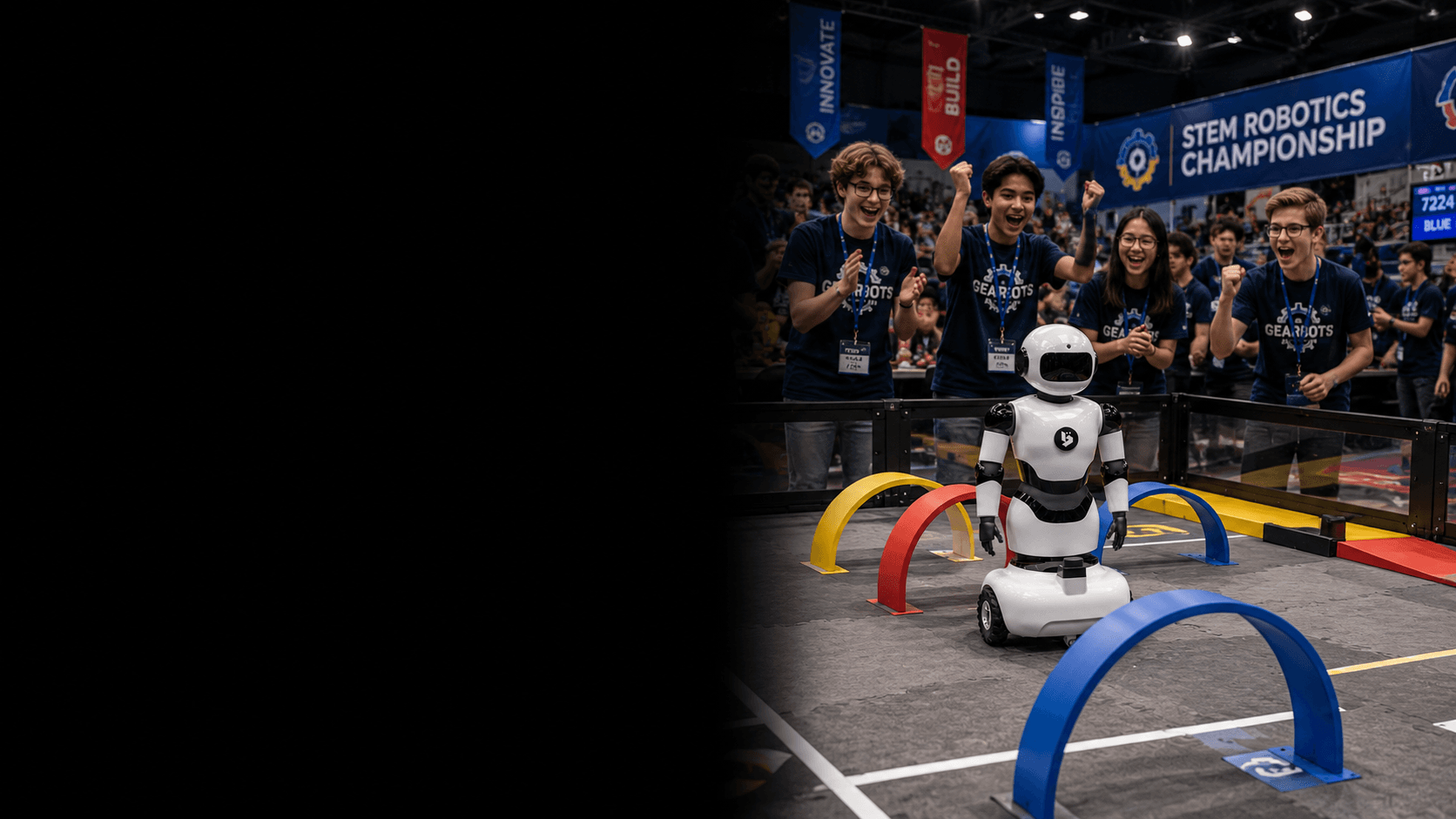
STEM Competitions
A capable, programmable platform for robotics competitions and science fairs.
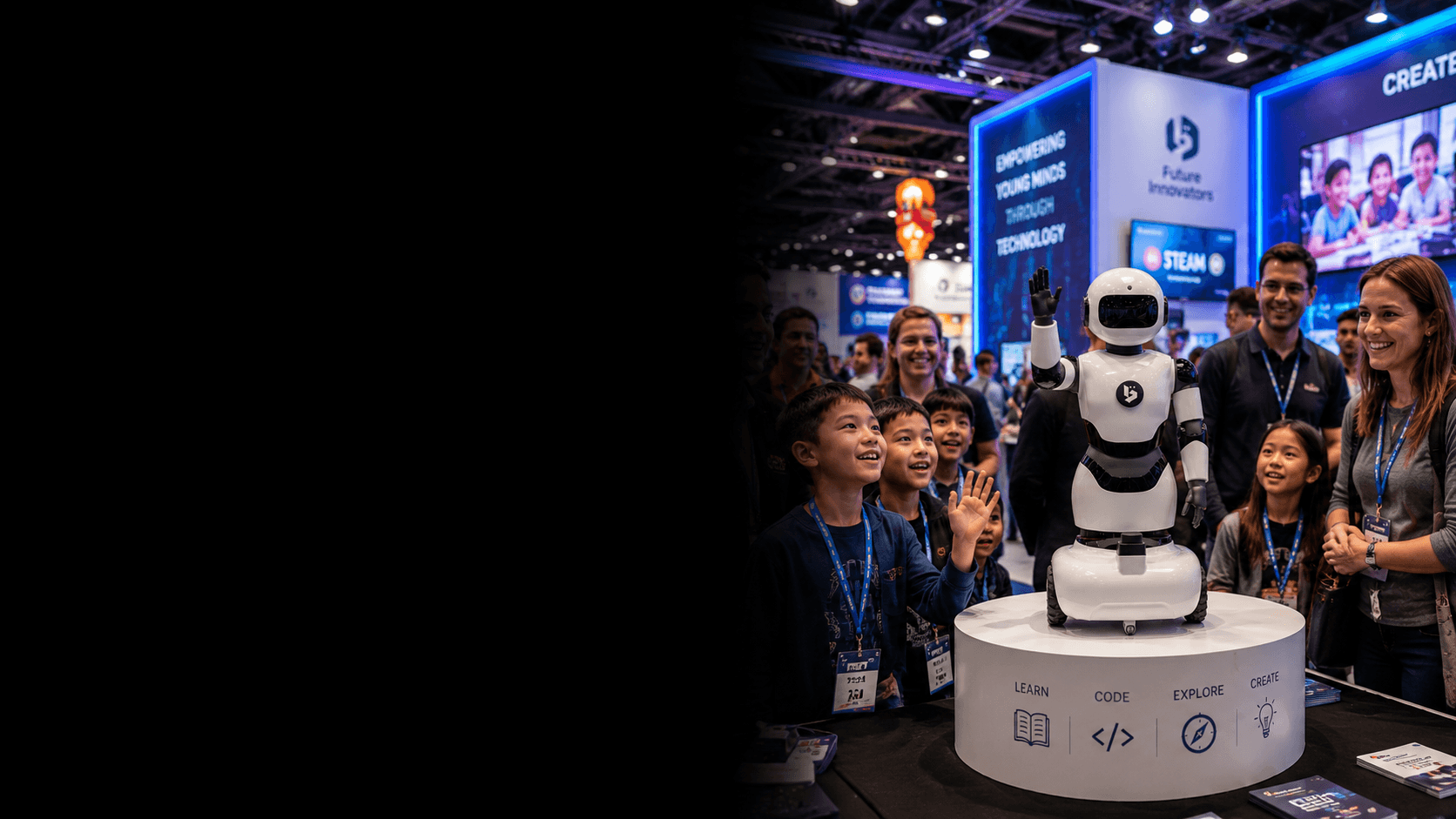
Events & Public Expos
A highly engaging interactive showcase for educational expos, science fairs, and school open houses.
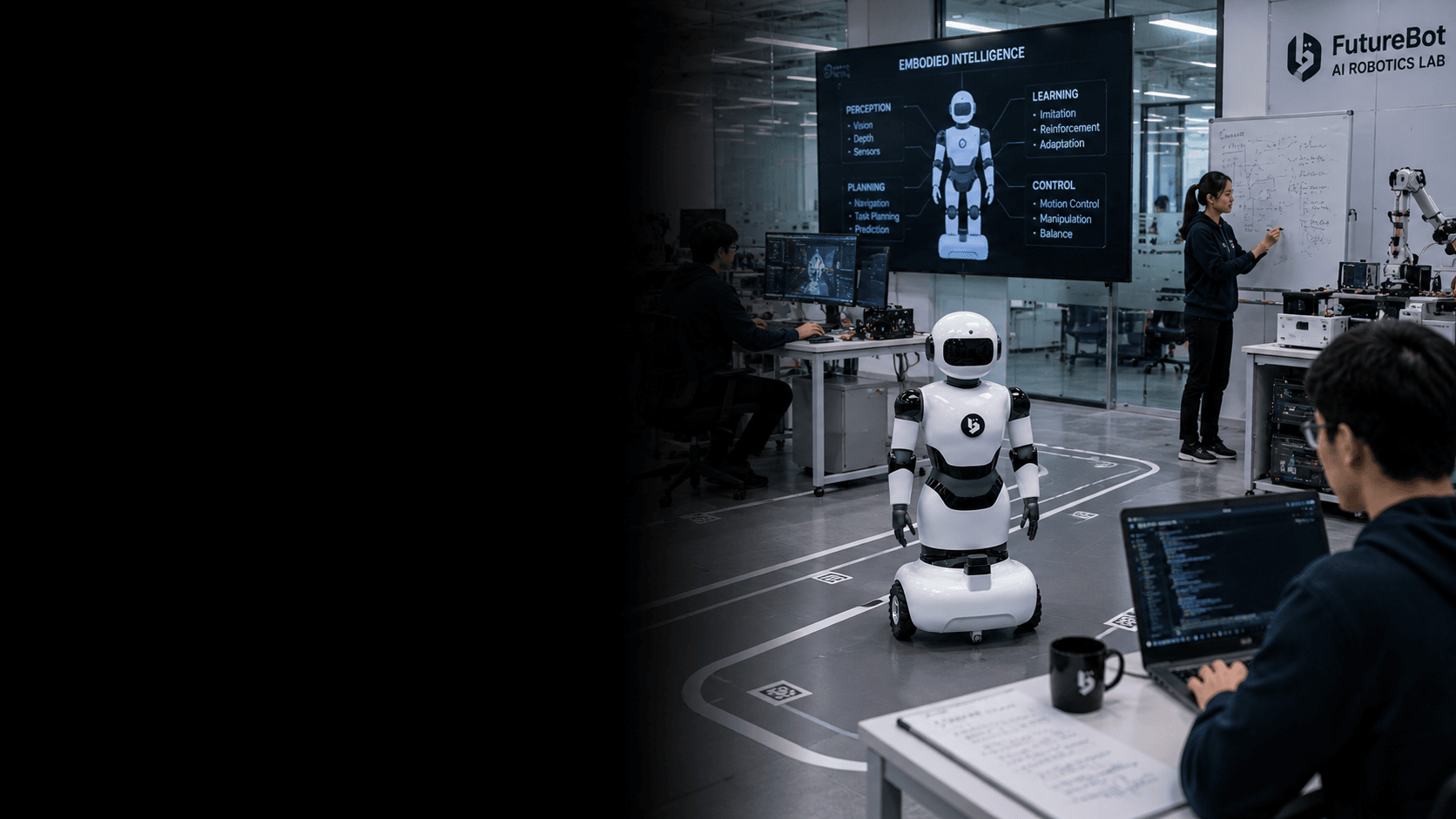
Robotics Research & AI
Robust platform for ROS/ROS2 bases, machine learning training, and building advanced navigation systems with integrated vision systems.
Key Features
360° LIDAR Navigation
Autonomous navigation with full 360° obstacle detection — no manual driving required.
ROS2 Humble
Industry-standard Robot Operating System 2 integration — students learn on the same platform professionals use.
Python SDK
Full Python programming SDK with access to sensors, actuators, and AI capabilities.
5–7 DOF Platform
Start with 5 degrees of freedom and upgrade progressively — the robot grows with your curriculum.
Computer Vision
Built-in camera with object detection and visual recognition capabilities.
Block Coding IDE
BonicAI's drag-and-drop coding environment compiles to real robot commands in real time.
BonicAI Teaching Studio
AI generates lesson plans, slides, and worksheets — delivered by the robot in class.
Sensor Ecosystem
Expandable sensor suite including ultrasonic, IR, and IMU sensors for rich learning experiments.
Optional Equipment
Add-ons & Accessories
Enhance your BonicBot A Series with official hardware add-ons and control peripherals.
Control Tablet
Touchscreen control interface for interactive classroom lessons, block coding, and live telemetry.
Wireless Joystick Controller
Ergonomic handheld wireless joystick for real-time manual control, teleoperation, and joint positioning.
Gripper Pair
Dual motorized robotic grippers for object pick-and-place experiments and manipulation tasks.
Auxiliary Holder Pair
Mountable accessory holders for carrying markers, props, or experimental payload modules.
Flysky Long-Range Remote
Multi-channel long-range transmitter for high-precision outdoor and wide-area teleoperation.
Teaching Studio
Teachers describe a topic — BonicAI generates a full lesson package (slides, worksheets, robot script) that the A Series delivers in class. No trainer required.
Real Deployment Stories
See how organizations deploy BonicBot operating systems and fleets to solve real-world challenges. Below are a handpicked few deployment stories and cases from all over the world.
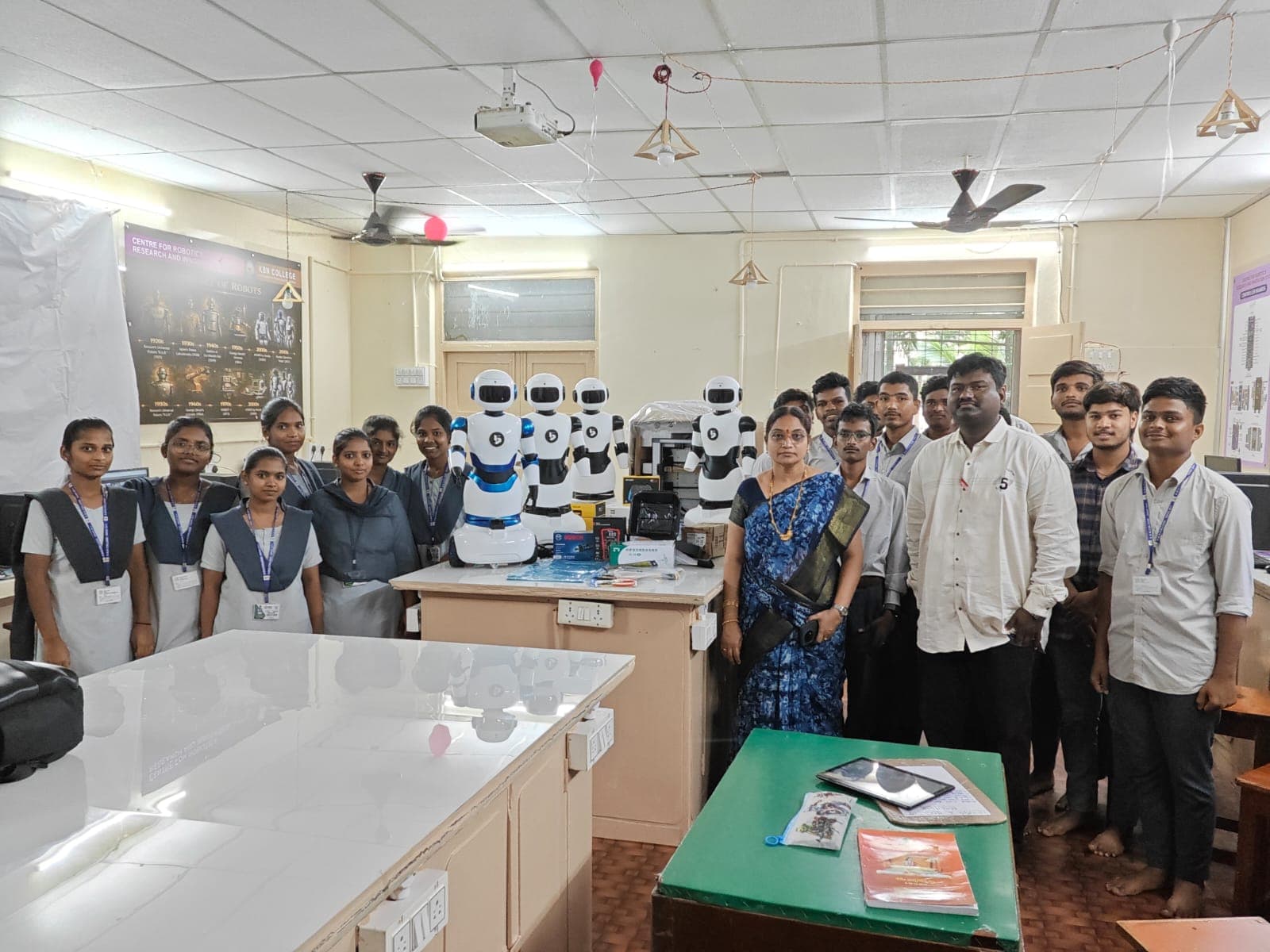
Integrating Robotics & ROS2 into Undergraduate Curriculum
KBN College deployed a fleet of BonicBot A Series robots to introduce freshman engineering students to autonomous navigation, Python scripting, and machine vision.
Common Specifications
| Height | ~80 cm |
| AI Mode & Multi-Language | Natural conversation in 30+ languages |
| Teach Mode | Automated class & syllabus-based content generation |
| Bluetooth Smartphone Control | Yes — full mobile app control |
| Sequence Recording | Yes — mobile app based |
| Face Recognition | Add-on premium feature (mobile app based) |
| Speaker / Voice Output | Dual 5W built-in speakers, 100+ languages |
| Internet Connection | Enabled |
| Battery Life | Dedicated 4,400 mAh (3–4 hours of use) |
| Recharging | Premium charging adapters included |
| Repair-Friendly Design | Yes — easy to repair and maintain |
| Spare Parts Availability | Available |
| Warranty | 1 year warranty |
Model Comparison
BonicBot A2 Lite vs A2 Pro Comparison
BonicBot A2 Pro includes all A2 Lite features, plus many advanced capabilities for professional and research use. Both robots require an Android smartphone for initial setup (not included). Both versions are available as fully assembled units only.
| Feature | A2 Lite | A2 Pro |
|---|---|---|
| Hardware (Key Differences) | ||
| Brain / Controller | 2 Brains — Smartphone + Main Board | 3 Brains — Smartphone + Raspberry Pi + Main Board |
| Built-in Camera | No — uses phone camera only | Yes — 2 cameras: forehead camera + phone camera |
| Robot Arms | 1 DOF — shoulder | 3 DOF — shoulder, elbow & gripper |
| Number of Joints (DOF) | 3 joints — basic movement | 7 joints — more natural & flexible movement |
| Hand / Grip Attachments | Not available | Yes — swappable hands, grippers & holders |
| Face / Expression Display | RGB LED face (basic expressions) | RGB LED face + articulated head movement |
| LiDAR Sensor (360° Scanner) | Not included | Yes — 360° LiDAR to sense full surroundings |
| IMU Sensor (Balance Sensor) | Not available | Yes — senses tilt and balance |
| Wheel Encoders | Not available | Yes — measures distance and speed of wheels |
| Weight | 6 kg | 6.5 kg |
| Mobility & Navigation | ||
| Autonomous Movement | Manual control only | Yes — moves on its own + manual control |
| Obstacle Avoidance | No | Yes — detects and avoids obstacles automatically |
| Room Mapping | No — cannot map the room | Yes — scans and creates a full room map |
| Waypoint Navigation | Not available | Yes — set destination points on map |
| Multi-Map Support | Not available | Yes — remembers and switches between multiple maps |
| Path Planning | Not available | Yes — plans best route to any point on the map |
| Location Saving | Not available | Yes — can save location names and navigate later |
| Navigation App on Phone | Basic control only | Tap-to-navigate on live map — no laptop needed |
| Software & Coding | ||
| Agentic AI | Not available | Inbuilt AI agent for agentic workflow creation with Gemini Robotics |
| Computer Vision | Mobile app based only | Mobile app + Inbuilt CV modules — Face Detection, 30+ YOLO Object Detection, Pose Detection, ARUCO |
| Coding Level Supported | Python only (beginner level) | 3 levels: Blockly (visual) + Python + Full ROS2 (advanced) — Education Suite |
| ROS2 Robot Platform | Not available | Full ROS2 Humble included — industry-standard robot software |
| Simulation / Practice Mode | Not available | Yes — Gazebo simulation, ready-to-install on Windows & Linux |
| Jupyter Notebook Support | Not available | Yes — write and run Python code directly in browser |
| Community & GitHub Support | Basic | Active community, open-source GitHub SDK, docs & tutorials |
| Cloud / Remote Access | Not available | Yes — cloud platform for remote monitoring and control |
| Add-Ons | ||
| Open Source 3D Print Files | Not available | Yes — STL design files included for makers |
| Wireless Gamepad Controller | Not available | Optional wireless gamepad add-on |
| Motorized Gripper Add-On | Not available | Optional 2-finger motorized gripper to pick & hold objects |
| Box Holder Attachment | Not available | Optional holder to carry small boxes |
| Use Case & Target Audience | ||
| Best Used For | Beginners, school projects, basic STEM learning | Schools, colleges, research labs, robotics competitions, advanced STEM |
| Exhibition / Showcasing | Basic demo and exhibition capability | Professional-grade — ideal for exhibitions & innovation labs |
| Overall Level | Showcasing / Exhibition Robot | Advanced / Professional Robot |
Hardware (Key Differences)
Brain / Controller
Built-in Camera
Robot Arms
Number of Joints (DOF)
Hand / Grip Attachments
Face / Expression Display
LiDAR Sensor (360° Scanner)
IMU Sensor (Balance Sensor)
Wheel Encoders
Weight
Mobility & Navigation
Autonomous Movement
Obstacle Avoidance
Room Mapping
Waypoint Navigation
Multi-Map Support
Path Planning
Location Saving
Navigation App on Phone
Software & Coding
Agentic AI
Computer Vision
Coding Level Supported
ROS2 Robot Platform
Simulation / Practice Mode
Jupyter Notebook Support
Community & GitHub Support
Cloud / Remote Access
Add-Ons
Open Source 3D Print Files
Wireless Gamepad Controller
Motorized Gripper Add-On
Box Holder Attachment
Use Case & Target Audience
Best Used For
Exhibition / Showcasing
Overall Level
Market Comparison
A head-to-head comparison of BonicBot A Series against international and other domestic alternatives.
Ready to deploy BonicBot A Series?
Get in touch with our team for a live demo, pricing, and deployment consultation.
Request a Demo