
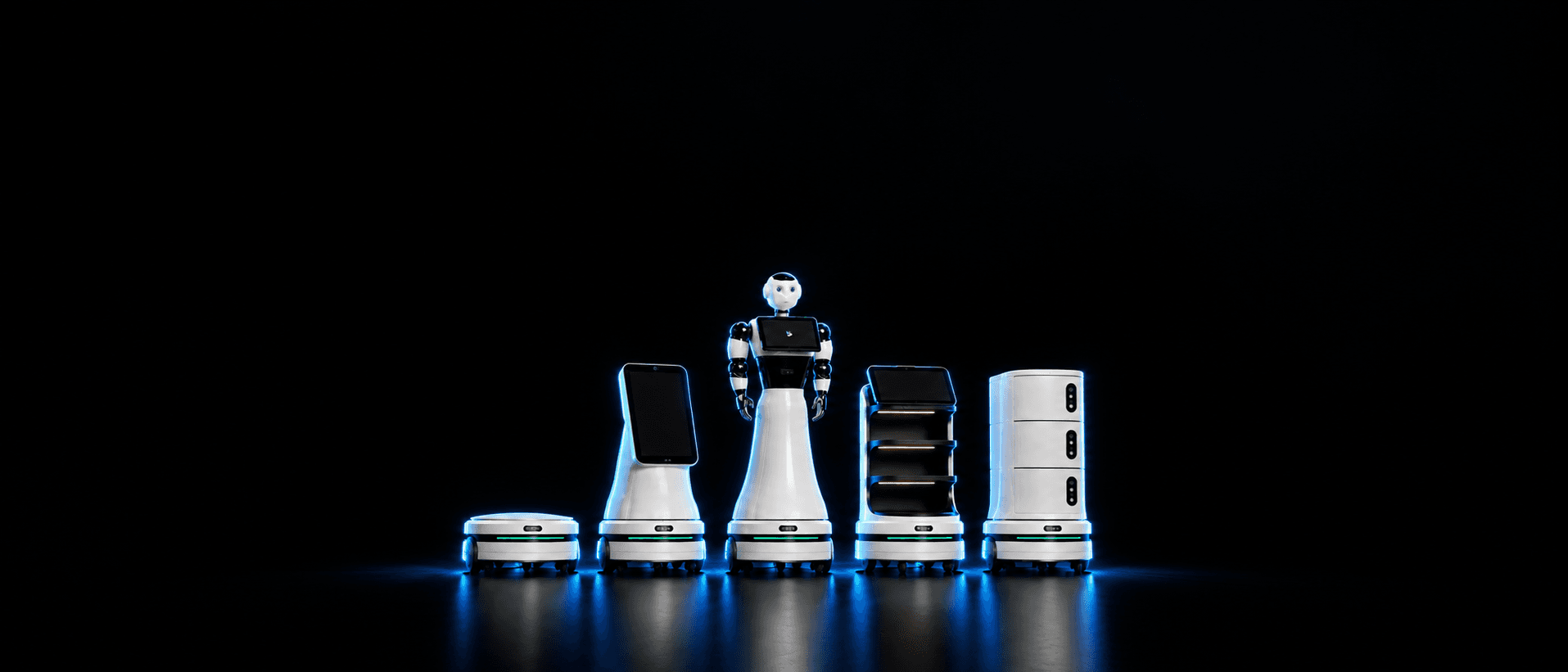
BonicBot O Series
Autonomous Mobile Platform
One self-driving base, many robots — just swap the top.
Specifications shown are design targets and may change before launch.
Choose a Configuration
O1 · Base
The self-driving base on its own — everything it needs to navigate, dock, and connect is inside, with a standard top connector on its lid.
50 cm Round
Turns on the spot within its own footprint, so doorways and tight aisles are easy.
Up to 20 kg
Carries the top and its load, with weight kept low for stability.
Up to 6 Hours
4–6 hours depending on the top and its load.
Automatic Docking
Finds its charging dock with a rear camera and docks on its own.
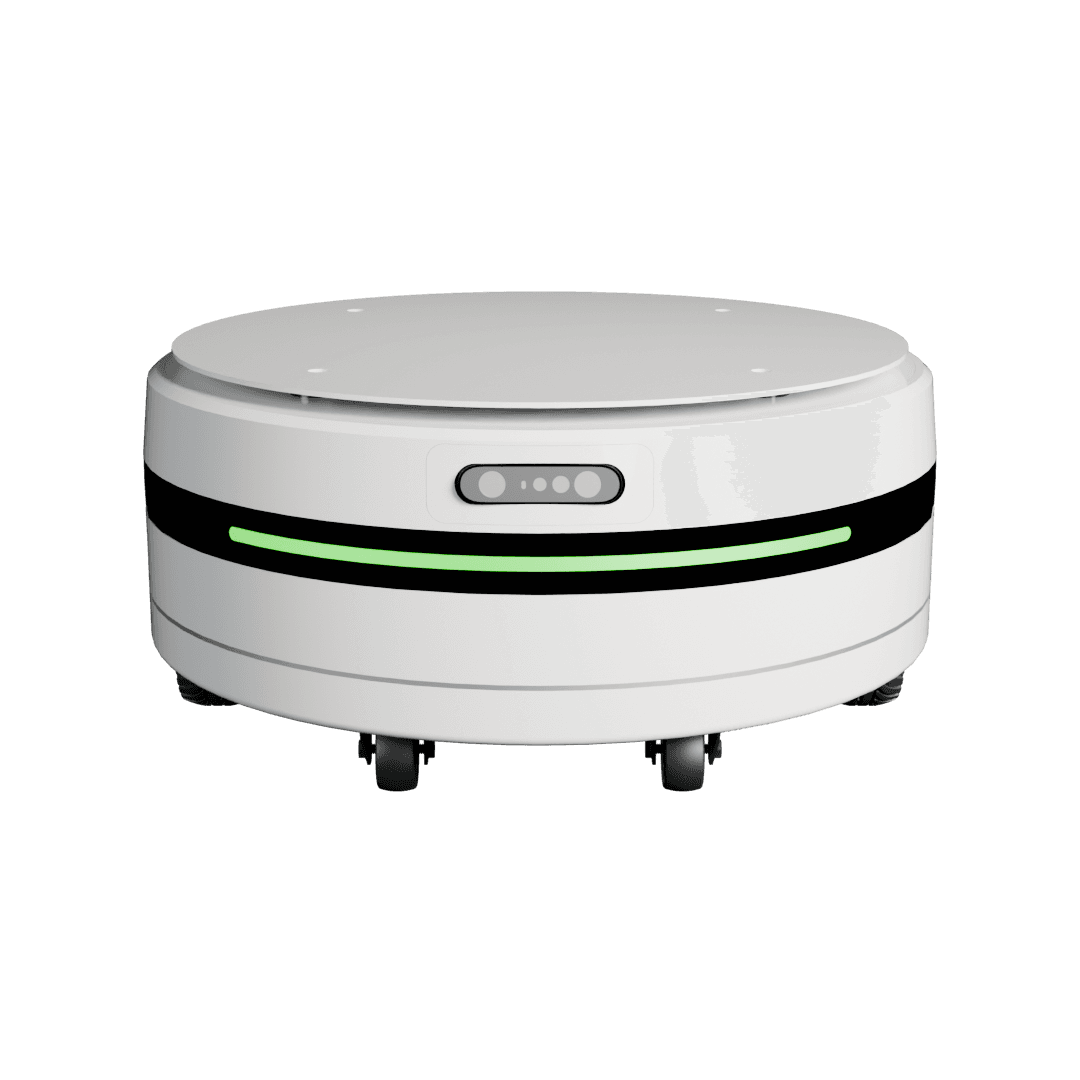
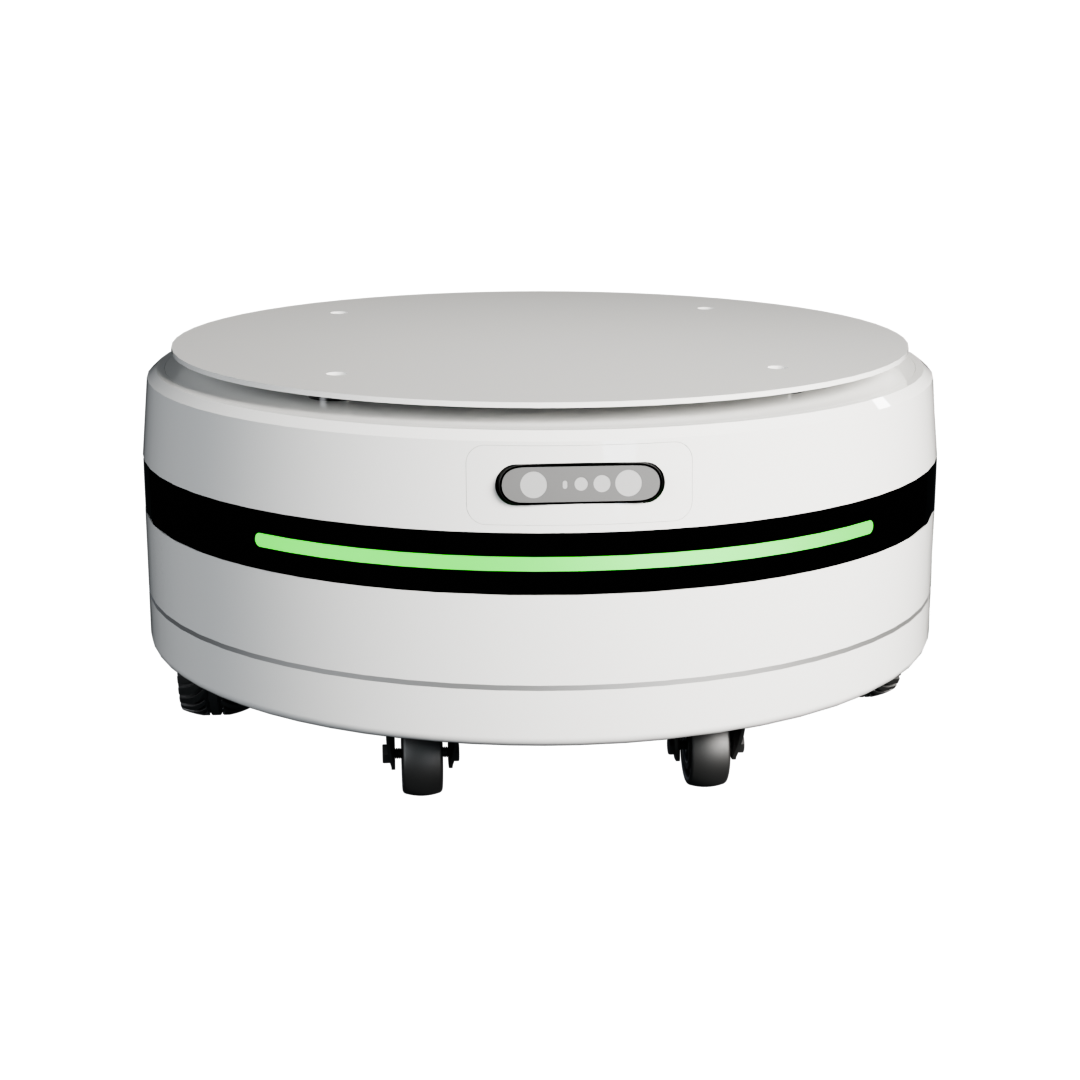
360° LiDAR + Depth
Maps, plans routes, and avoids overhangs such as table tops and low objects on the floor.
Plug & Play
Mounting, power, USB, and control signals in one interface. The base recognises the top and configures itself.
8-Core Onboard
Onboard computer running BonicOS, with a real-time motion controller.
Wi-Fi + Bluetooth
Connected to the BonicAI cloud for fleet management and over-the-air updates.
Where It Works
Pick the top that fits the job — the base, the dock, and the fleet software stay the same.
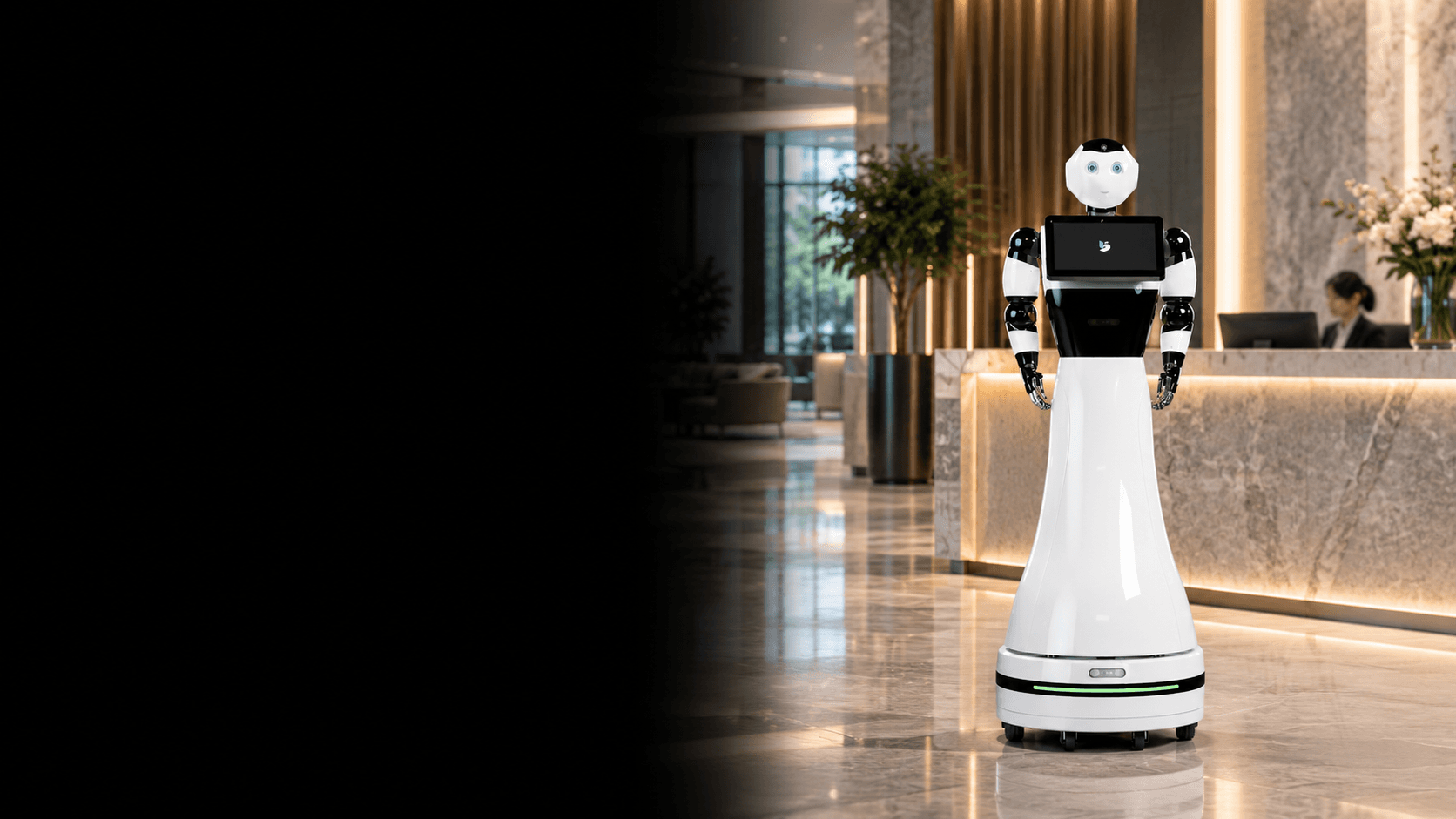
Reception & Lobbies
Welcome visitors, answer questions, and walk them to the right room with the humanoid or display top.
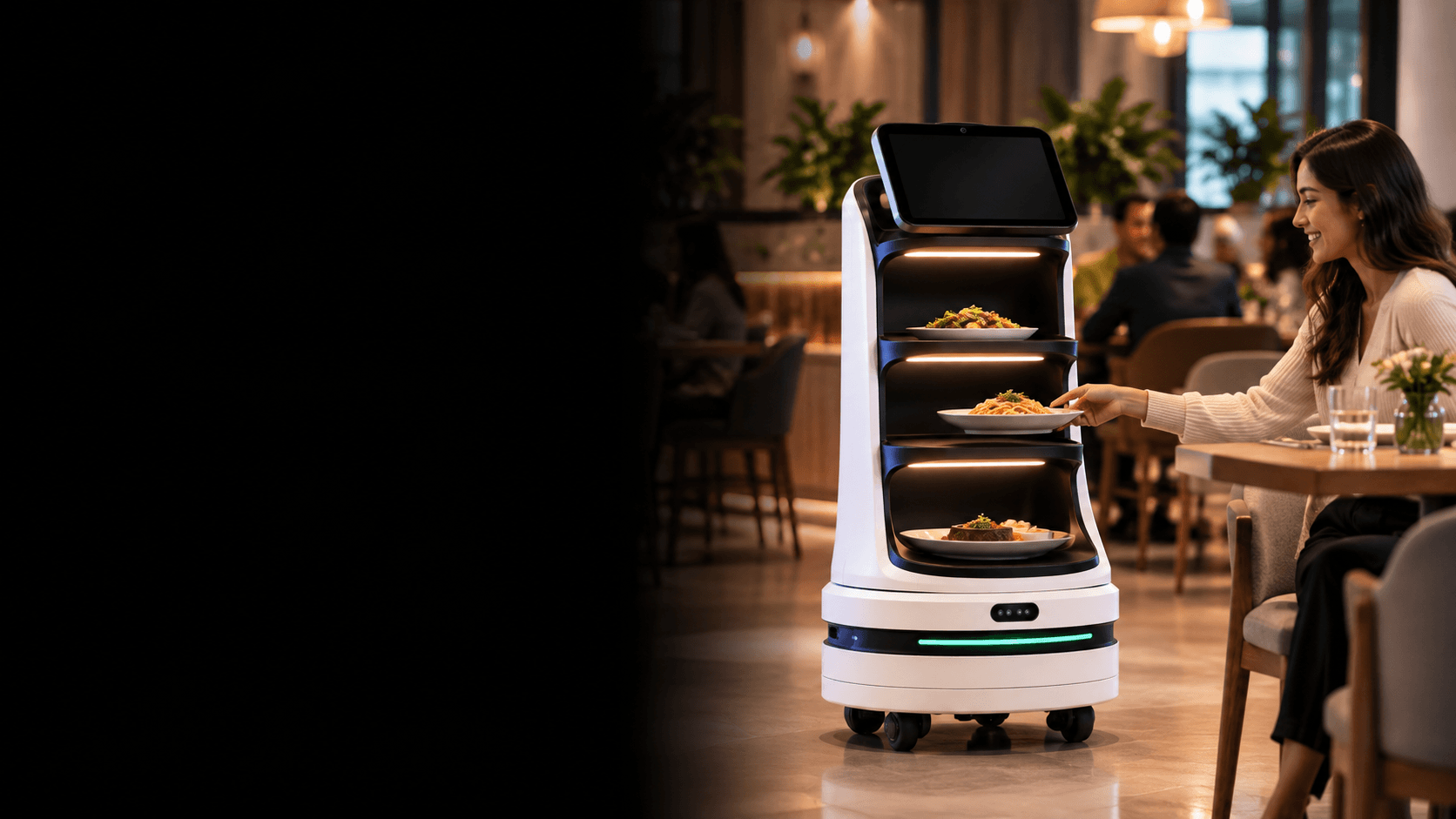
Restaurants & Cafés
Carry orders from the kitchen to the table and bring empties back with the tray top.
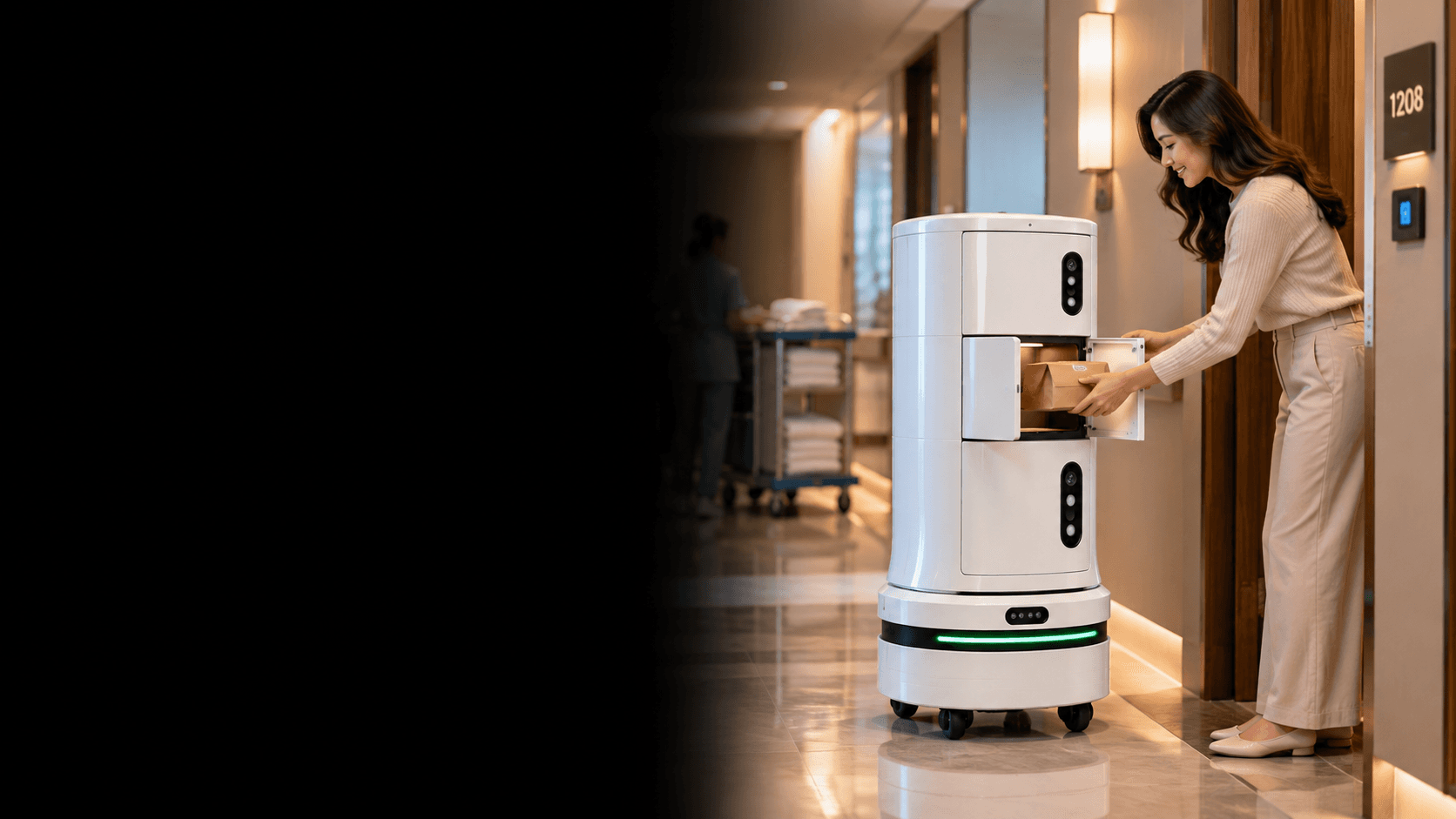
Hotels & Hospitals
Deliver room service, medicines, and documents securely from room to room with the secure delivery top.
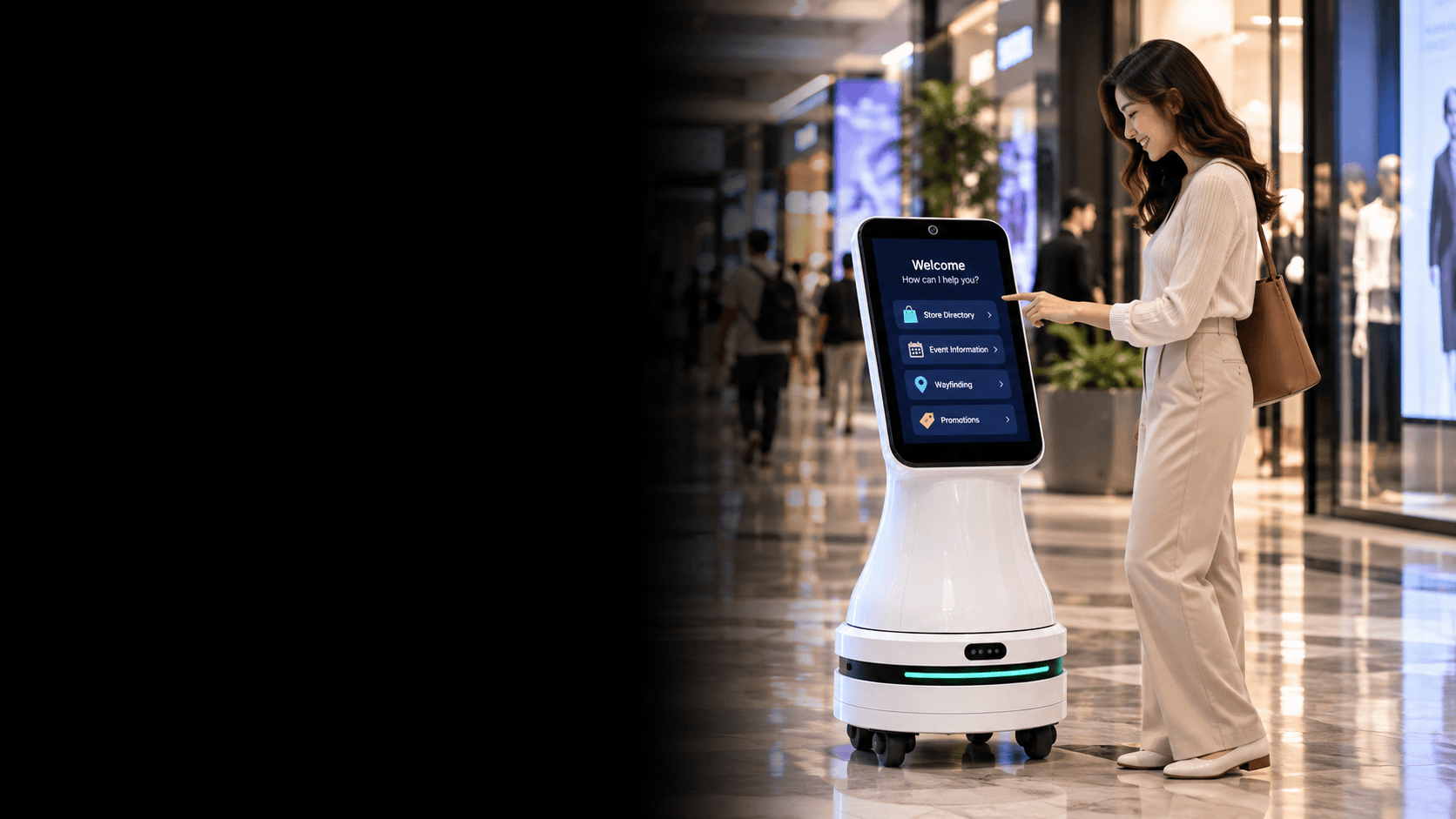
Malls & Exhibitions
Draw crowds with video content, guide shoppers, and capture leads on the move.
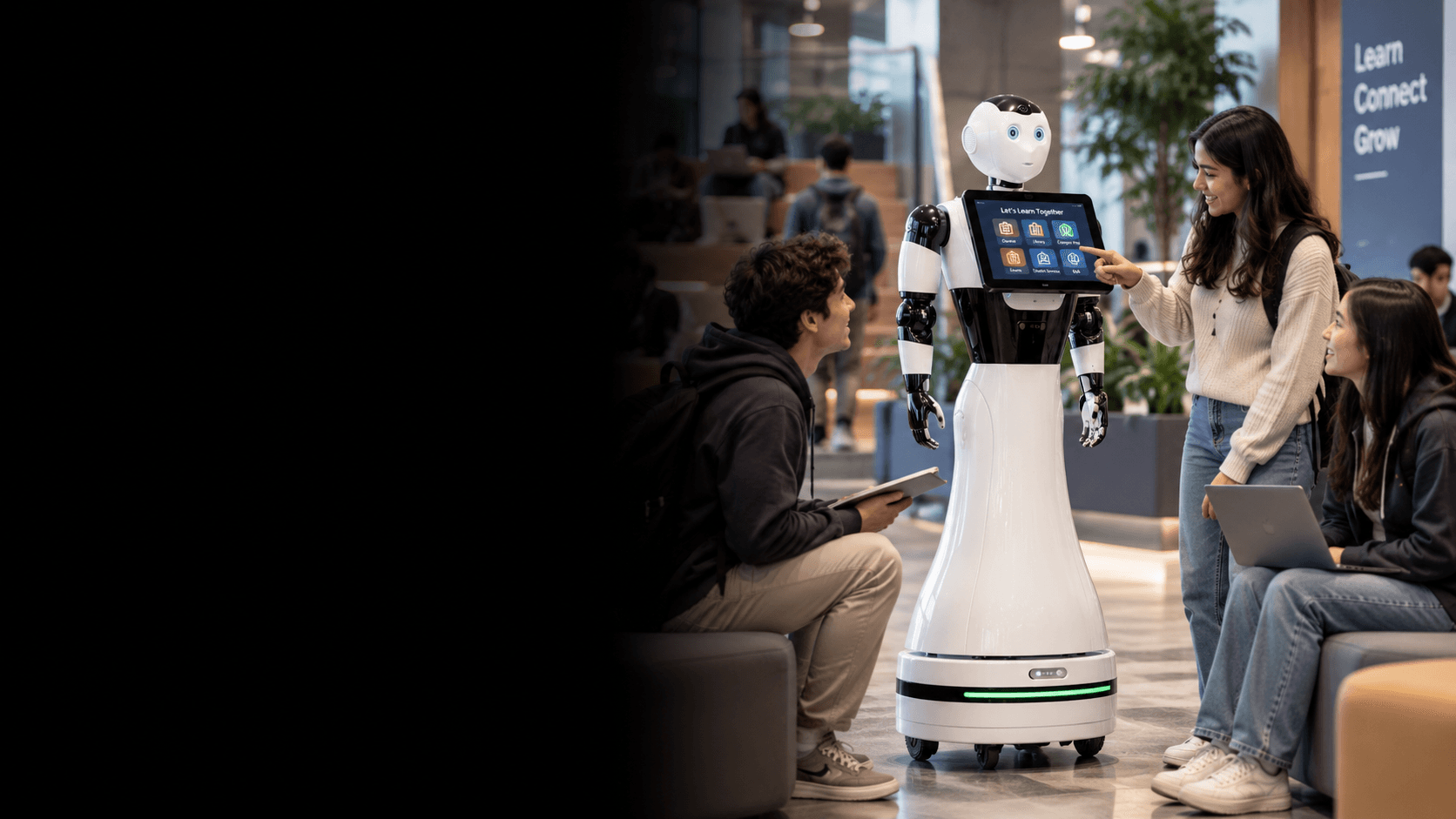
Schools & Campuses
Give guided tours, run onboarding sessions, and deliver between buildings.
Key Features
Autonomous Navigation
Maps your building, saves named locations, and drives between them on its own — tap a destination in the app and it goes.
Interchangeable Tops
One standard top connector supplies mounting, power, and control. The robot recognises the attached top and configures itself automatically.
360° Obstacle Awareness
A 360° LiDAR and a forward depth camera together catch walls, people, table tops, counters, and low objects on the floor.
Automatic Docking
Returns to its charging dock by itself using a rear docking camera, and holds its wheels still while it charges.
Built-In Safety
Emergency stop, capped braking, tip and fall detection, and a low centre of gravity with the battery mounted at the bottom.
BonicOS & ROS 2
Runs BonicOS on ROS 2, with Blockly, Python, and full ROS 2 access through the BonicOS SDK.
BonicAI Fleet Management
Monitor, control, and update every robot in your fleet remotely from the BonicAI cloud platform.
One App for Every Top
The same robot software runs every configuration — a new top needs configuration, not new code.
Marketing Studio
Configure a video timeline and lead form in BonicAI — the display and humanoid tops play the content loop when idle and switch to conversation when a visitor approaches.
Training Studio
Design guided tours, onboarding sessions, or lessons that the humanoid top narrates on the move between saved locations.
Be among the first to deploy BonicBot O Series
Register your interest for early access, pilot programmes, and launch pricing.
Register Interest