
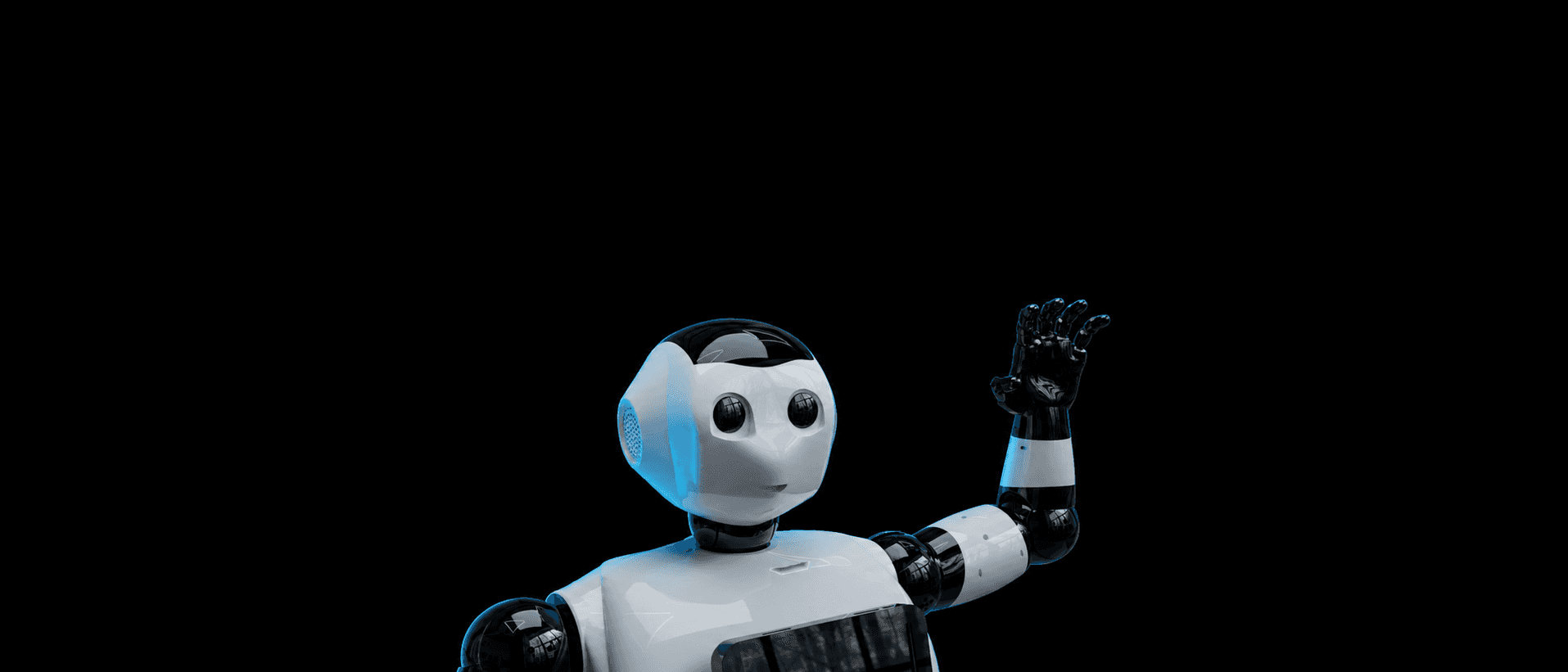
BonicBot S Series
Advanced AI Humanoid
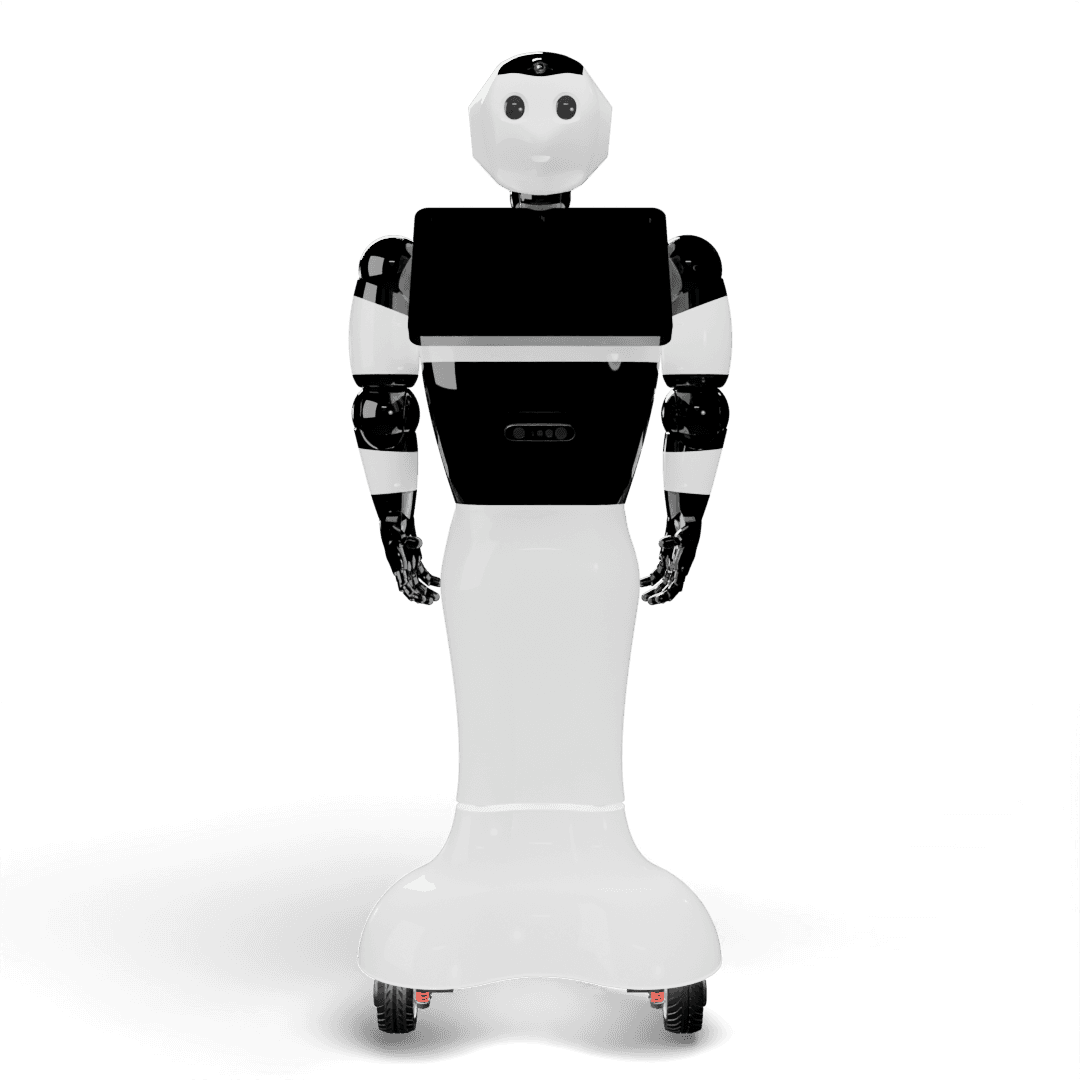
The BonicBot S Series is a human-height social humanoid for classrooms, receptions, showrooms and venues, built around expressive conversational AI.
S1 Lite talks, teaches and presents through the BonicOS Interface on its chest. S1 Pro adds five-joint arms, an on-board AI computer, 360° LiDAR and 3D vision, so it can find its own way around a building — and it is the model for coding and ROS 2.
120 cm
Human-scale professional height for retail and interactive assistance.
12 DOF
Five joints in each arm plus a pan-and-tilt neck.
20000 mAh
Provides 4-5 hours of continuous guest welcoming and interactions.
RK3588 8-Core + MCU
On-board RK3588 AI computer running ROS 2, paired with the real-time main board and the BonicOS Interface.

Dual 35W Speakers
Stereo speaker configuration for rich multi-directional audio.
IMU, LiDAR, Depth + Head Camera
360° LiDAR, 3D depth camera, head camera and IMU for mapping, navigation and vision.
BonicOS Interface + Display Eyes
Chest-mounted touchscreen running BonicOS, with animated display eyes.
Adapter · Auto-docking Add-on
Adapter-based wall charging, or the auto-docking add-on to return and charge on its own.
See the BonicBot S Series in Action
Watch a live demonstration of autonomous navigation, joint movements, and AI interactions.
Click to play preview video
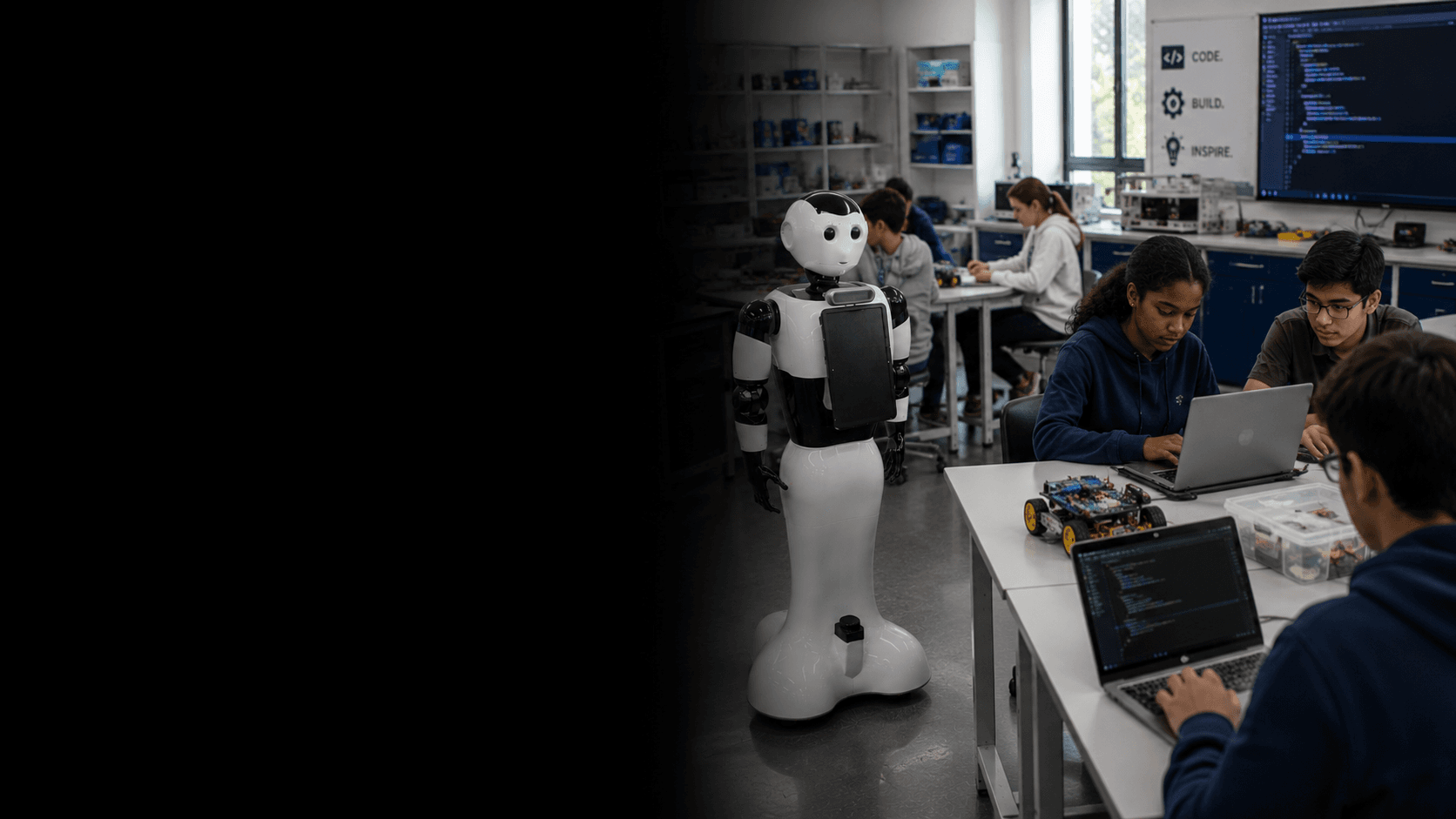
Premium Schools & Universities
Advanced STEM lessons, AI demonstrations, and interactive curriculum delivery with conversational engagement.
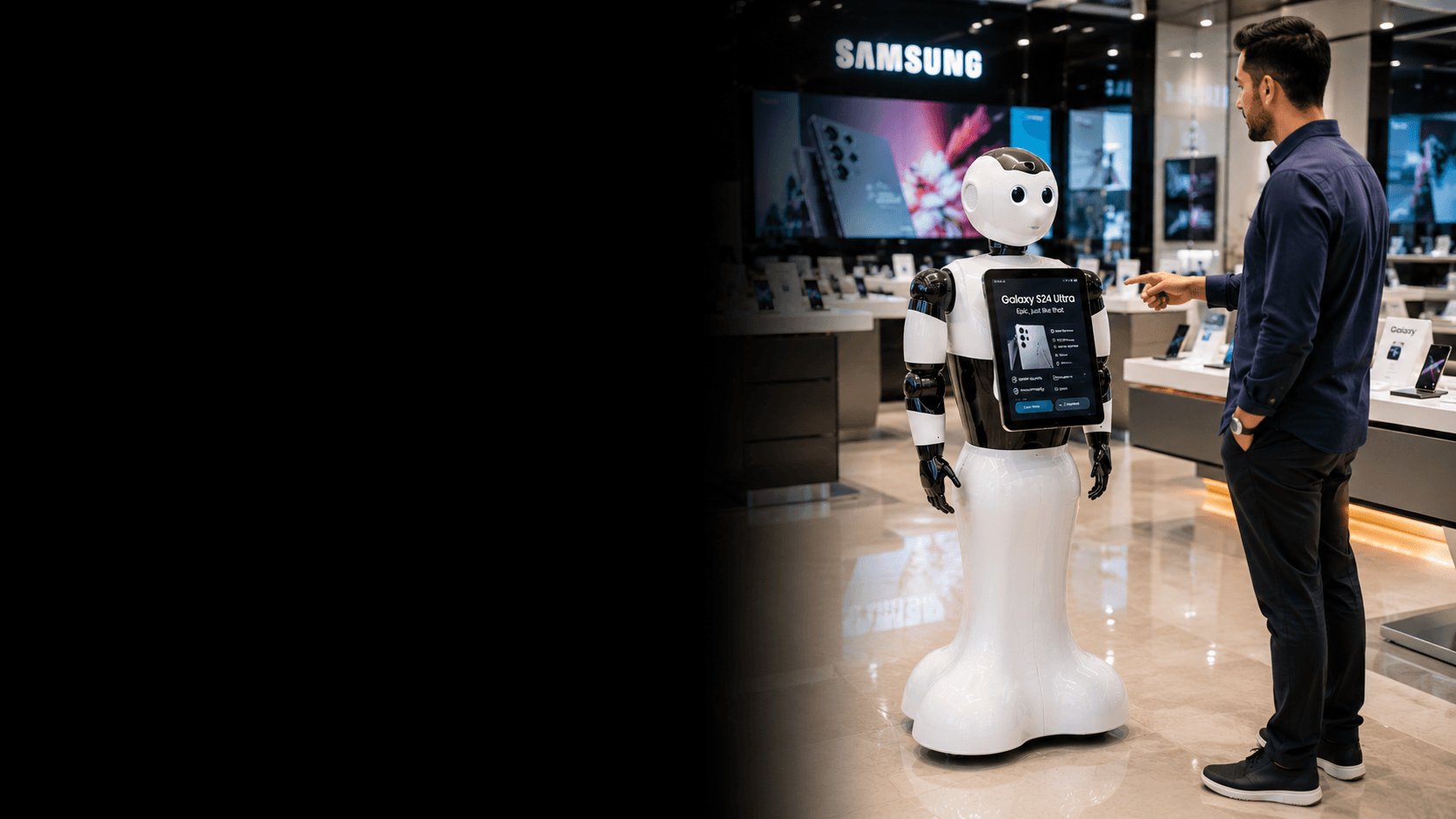
Retail & Showrooms
24/7 brand ambassador — plays ambient marketing content, captures leads, and answers product questions.
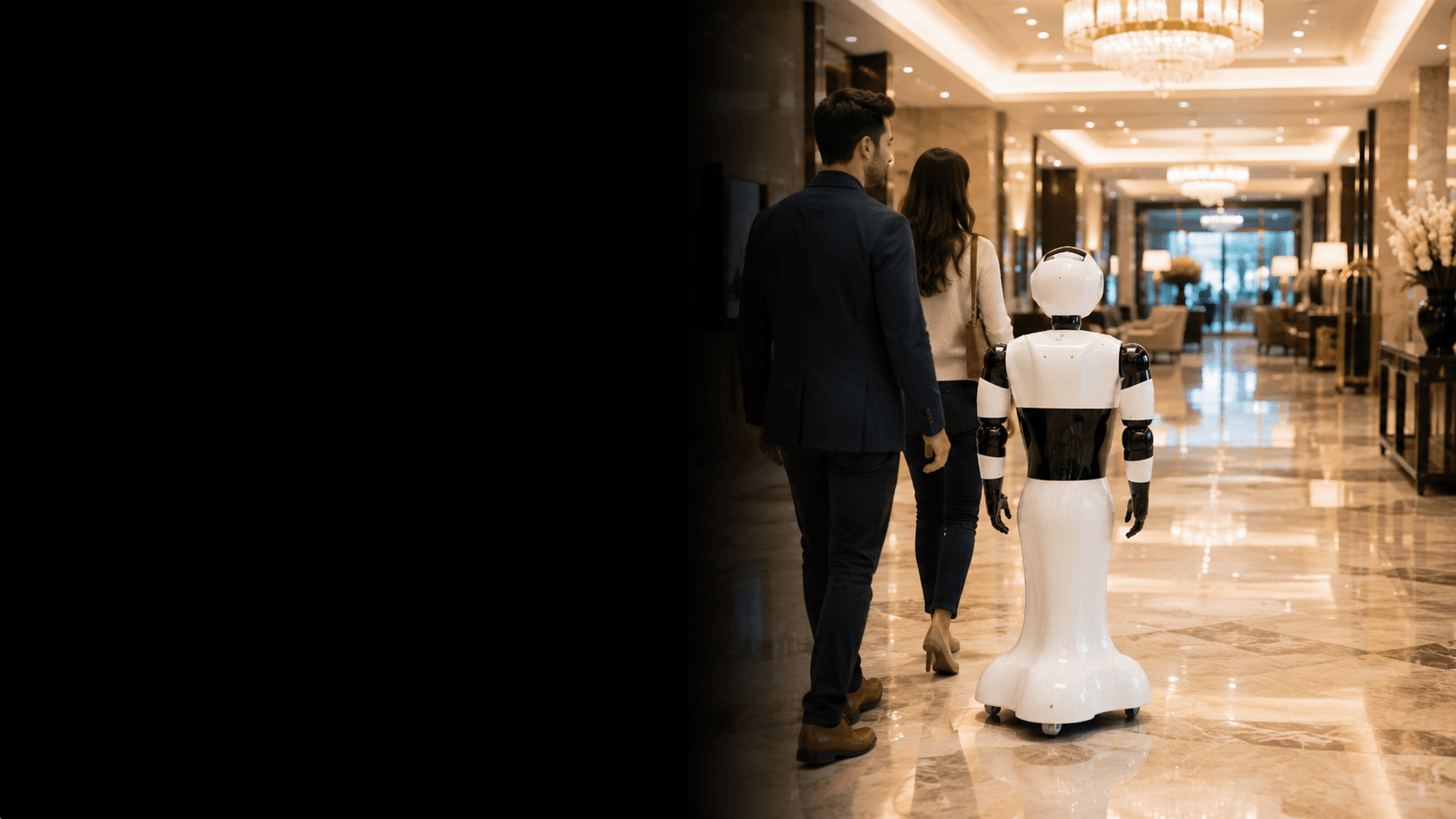
Hospitality & Guest Welcoming
Guest greeting, venue information, wayfinding, and service assistance in hotels, resorts, and event spaces.
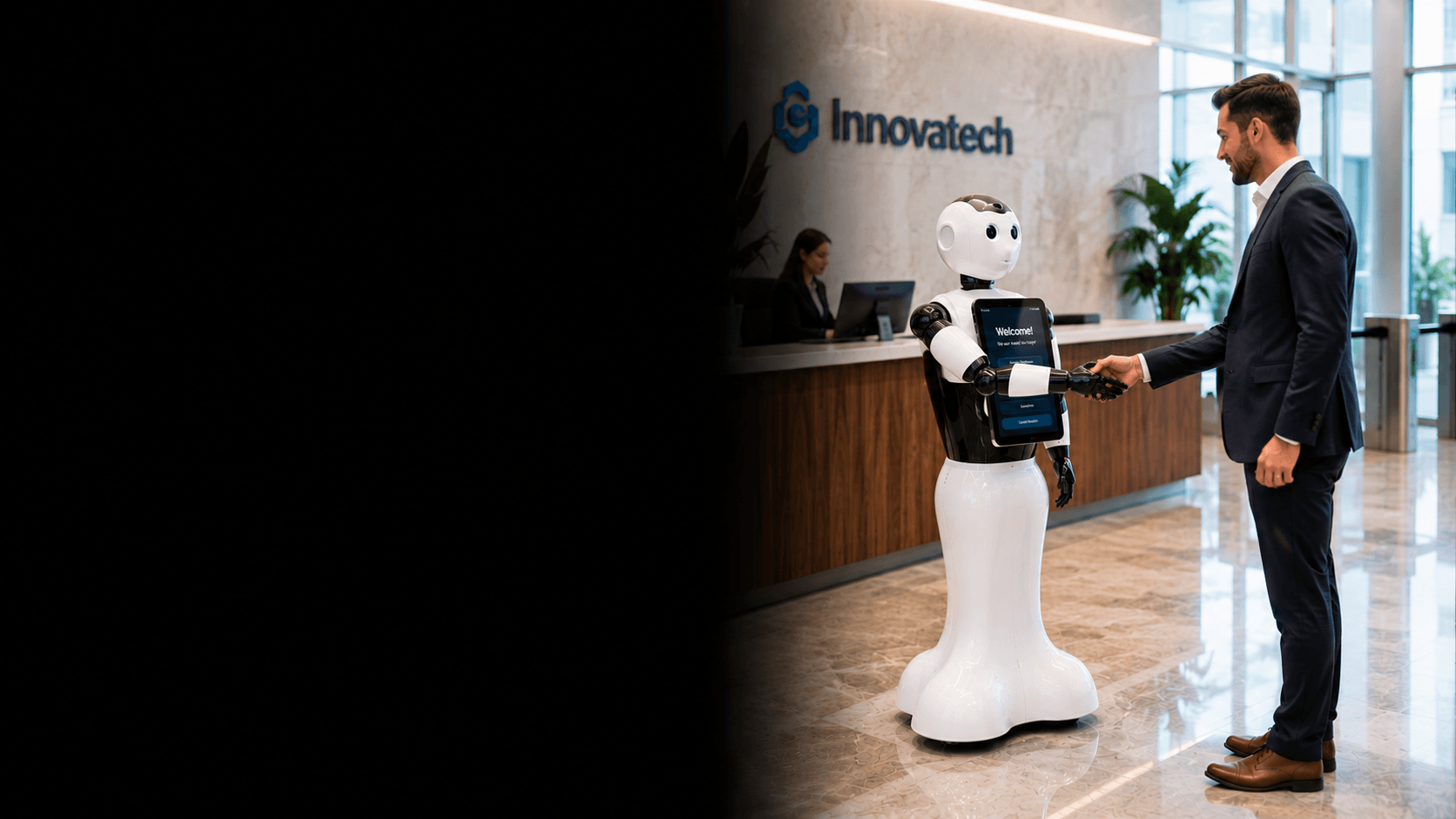
Visitor Concierge
Front-desk concierge, visitor registration, check-ins, and conversational reception assistance.
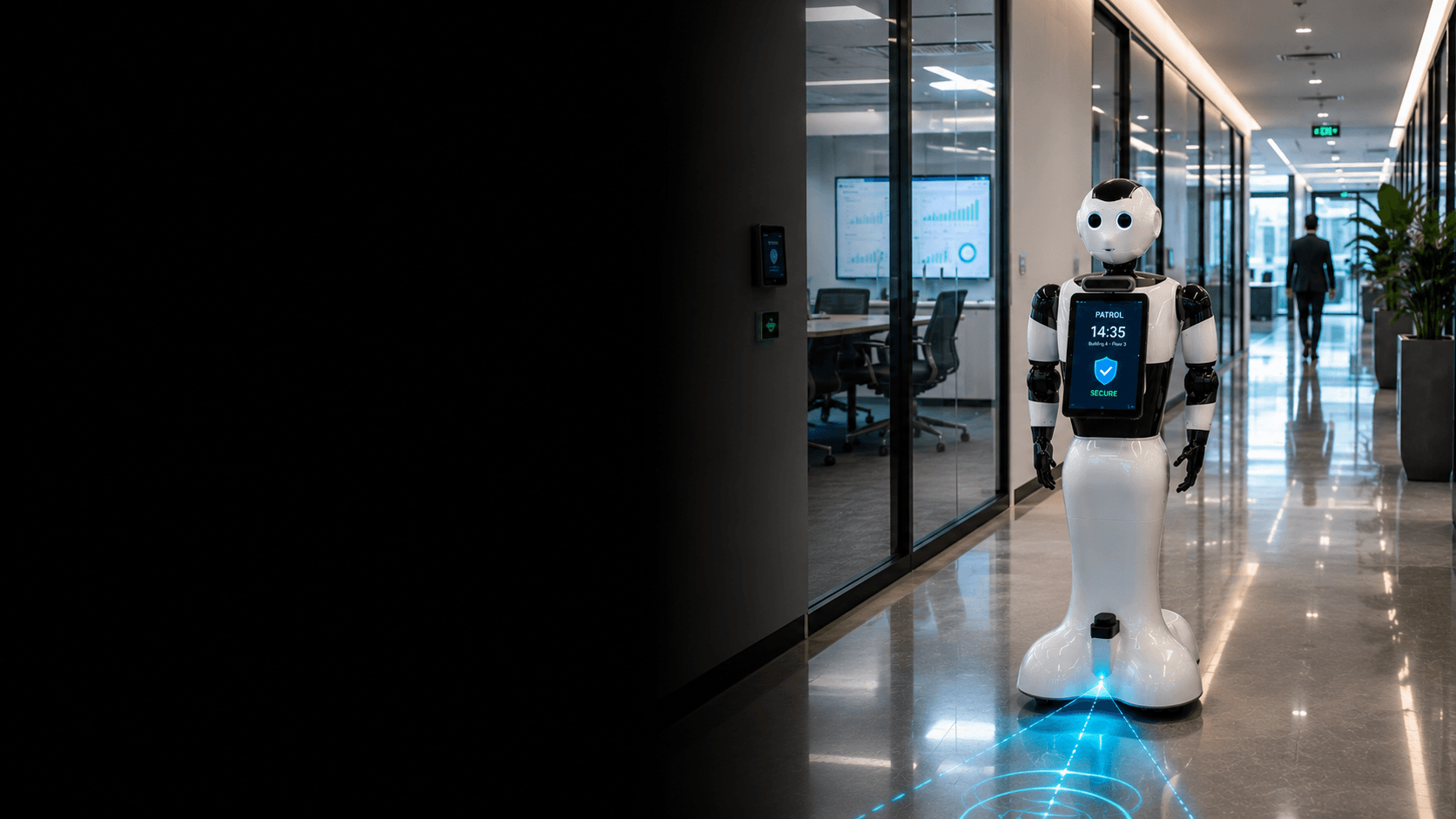
Autonomous Patrolling & Reporting
Scheduled patrolling rounds, area monitoring, and remote reporting of facility conditions.
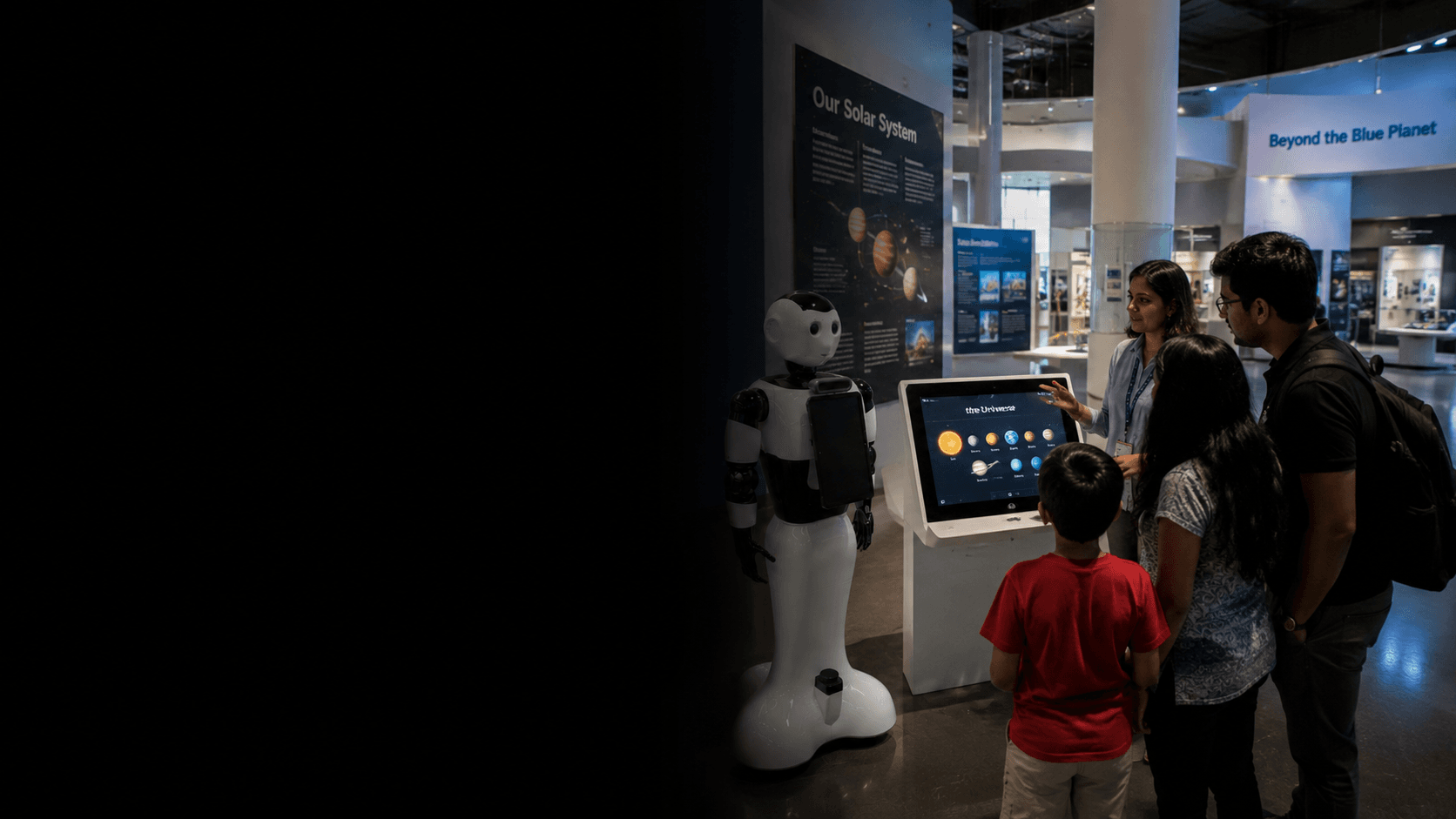
Museums & Exhibitions
Interactive guide delivering contextual information and engaging visitors with AI-powered conversation.
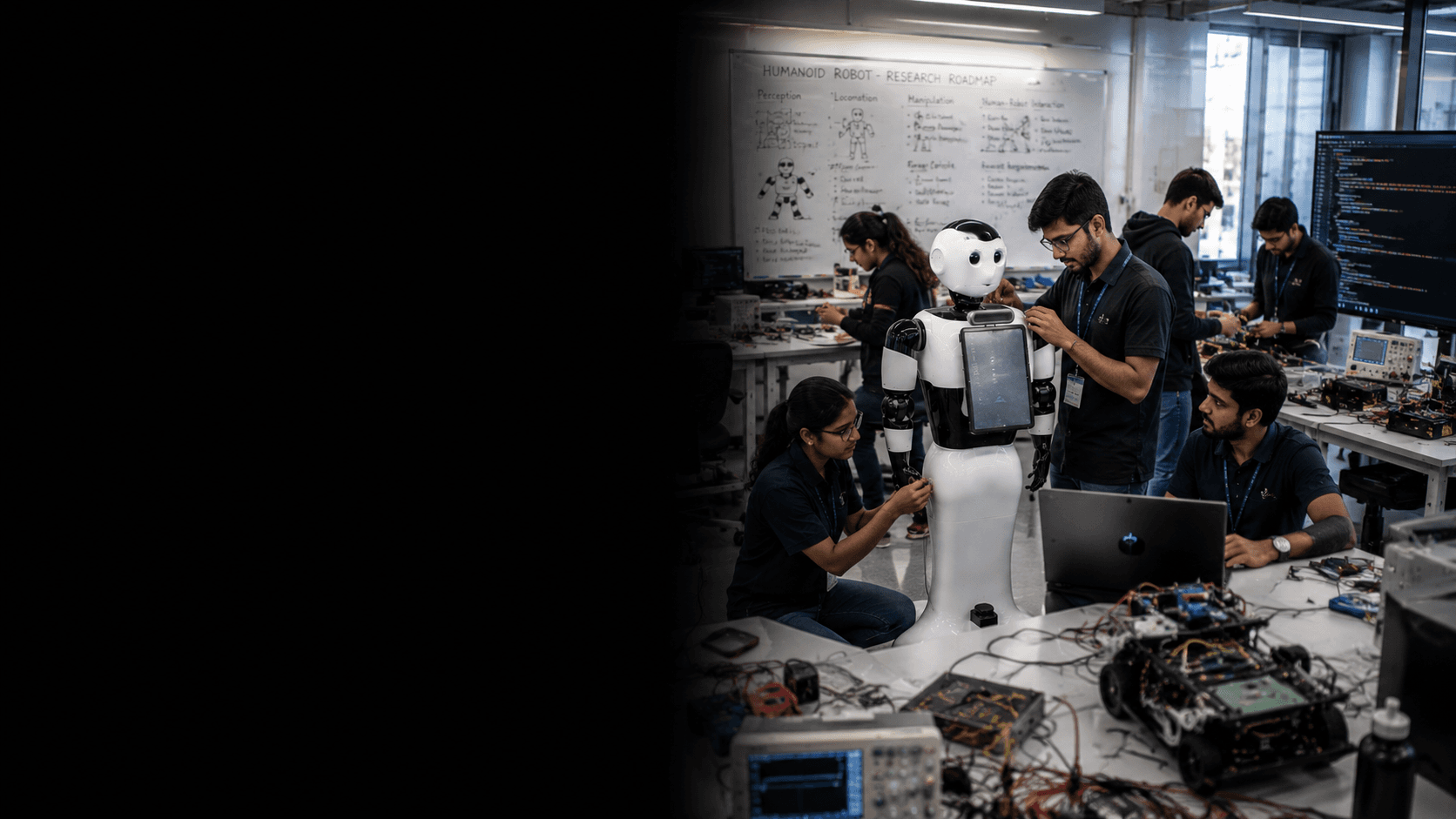
Robotics Research & AI
Advanced platform for ROS/ROS2 development, custom machine learning workflows, and social human-robot interaction research.
Key Features
Conversational AI & NLP
Natural language understanding — the robot holds genuine conversations, answers questions, and adapts to each person.
8–12 DOF Expressive Motion
A pan-and-tilt neck and articulated arms — three joints per arm on S1 Lite, five on S1 Pro.
BonicOS Interface
Standard on both models — a chest-mounted touchscreen running BonicOS, for menus, videos, quizzes and lead forms.
BonicAI Teaching Studio
100+ ready-to-deploy lessons and custom training programmes — the robot narrates, runs quizzes and tracks progress.
Computer Vision & Face Recognition
Real-time face detection and recognition — the robot knows who it's talking to and responds accordingly.
BonicAI Marketing Studio
A looping showreel when idle, a product catalogue it answers from, and conversational lead capture when a customer approaches.
Autonomous Navigation
S1 Pro: 360° LiDAR mapping, obstacle avoidance and saved locations — it guides visitors where they need to go.
BonicAI Robotics Studio
S1 Pro: an on-board 8-core RK3588 with Blockly, Python and ROS 2, AI-generated programs, a simulator and ready-made courses.
Optional Equipment
Add-ons & Accessories
Enhance your BonicBot S Series with official hardware add-ons and control peripherals.
Flysky Long-Range Remote
Industrial multi-channel long-range transmitter for precise teleoperation across campus and commercial spaces.
Gripper Pair
Motorized two-finger grippers that swap in for the hands, for object handling and hand-overs.
Utility Plate
Holder pair and tray to carry brochures or deliveries.
Auto-docking
S1 Pro: a docking station and rear camera let the robot return to charge on its own.
Teaching Studio
Design custom training programs, school lessons, or employee onboarding courses. The S Series narrates tutorials, conducts quizzes, and tracks learning progress.
Robotics Studio
S1 Pro: AI-generated robot programs, a Python and block-coding editor with simulator, ready-made coding courses, and ROS 2 on the robot.
Marketing Studio
Configure a video timeline and lead form in BonicAI — the S Series plays the content loop when idle and transitions to conversational lead capture when a customer approaches.
Real Deployment Stories
See how organizations deploy BonicBot operating systems and fleets to solve real-world challenges. Below are a handpicked few deployment stories and cases from all over the world.
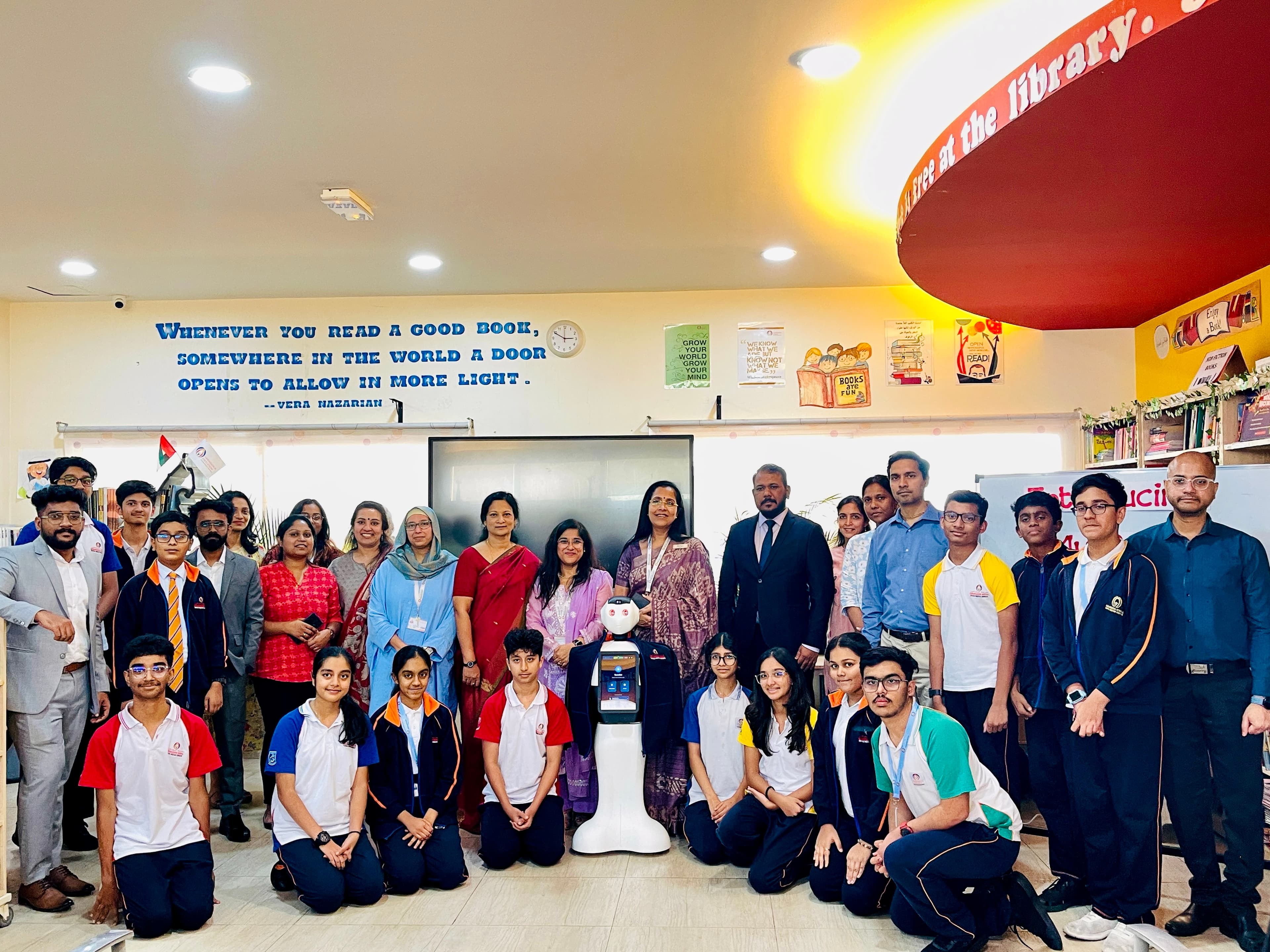
AI-Powered Special Needs Integration & Advanced STEM Learning
Successfully enhanced learning for students with special needs through AI-powered interactive sessions, and brought conversational AI lessons to K-12 STEM classes.
Common Specifications
| Height | 120 cm |
| AI Mode & Interaction | Conversational AI, multi-language support |
| BonicAI Studios | Teaching and Marketing Studio (S1 Lite and S1 Pro) · Robotics Studio (S1 Pro) |
| Display Interface | BonicOS Interface (standard on both) + animated display eyes |
| Audio System | Dual 35W speakers & microphone |
| Connectivity | WiFi + Bluetooth |
| Internet | Enabled |
| Manual Control | Yes |
| Battery | 15,000 mAh (S1 Lite) · 20,000 mAh (S1 Pro) |
| Recharging | Charging adapter included · auto-docking add-on for S1 Pro |
| Hands | Five-finger hands — Gripper Pair add-on available |
| Coding | S1 Pro — Blockly, Python and ROS 2 on the robot |
| Education Usage | Classroom teaching & presentations |
| Warranty | 1 year warranty |
Model Comparison
BonicBot S1 Lite vs S1 Pro Comparison
BonicBot S1 Pro includes all S1 Lite features, plus an on-board AI computer, autonomous navigation, 3D vision and coding.
| Feature | S1 Lite | S1 Pro |
|---|---|---|
| Hardware (Key Differences) | ||
| Core System | Main board + BonicOS Interface | RK3588 8-core AI computer + main board + BonicOS Interface |
| Robot Arms | 3 DOF per arm | 5 DOF per arm |
| Neck Movement | 2 DOF — pan + tilt | 2 DOF — pan + tilt |
| Total DOF | 8 DOF | 12 DOF |
| Hands | Five-finger hands | Five-finger hands |
| Camera | BonicOS Interface camera | Head camera + BonicOS Interface camera |
| Depth Camera | Not available | Yes — 3D depth camera included |
| 360° LiDAR | Not available | Yes — included |
| Sensors | Wheel encoders | IMU, wheel encoders, LiDAR & depth camera |
| Battery | 15,000 mAh | 20,000 mAh |
| BonicOS Interface | Standard — chest-mounted, with its own camera | Standard — chest-mounted, with its own camera |
| Mobility & Navigation | ||
| Driving | Manual control | Autonomous + manual control |
| Obstacle Avoidance | Not available | Yes — detects and avoids obstacles |
| Room Mapping | Not available | Yes — scans floors, remembers multiple maps |
| Waypoint Navigation | Not available | Yes — navigates to saved locations |
| Auto-docking | Not available | Optional add-on |
| Software & Coding | ||
| BonicAI Teaching Studio | Included | Included |
| BonicAI Marketing Studio | Included | Included |
| BonicAI Robotics Studio | Not available | Included |
| Coding | Not available | Blockly + Python + Jupyter + Visualizer |
| ROS Platform | Not available | Full ROS 2 support |
| AI Capabilities | Conversational AI | Conversational AI + robotics workflows |
| Computer Vision | Face recognition through the BonicOS Interface camera | Face, object and pose detection with 3D depth |
| Simulation | Not available | Yes — simulation environment supported |
| Developer Support | Not available | Full SDK & developer tools |
| Interaction & Experience | ||
| User Interaction | Touch + voice | Touch + voice + autonomous interaction |
| Expression | Display eyes + arm and neck gestures | Display eyes + five-joint arm gestures |
| Engagement Level | Interactive | Highly interactive + intelligent responses |
| Use Case & Target Audience | ||
| Best For | Receptions, showrooms, museums, events & school welcome desks | Colleges, research labs, hotels, malls & large venues |
| Learning Level | Conversation & presentations — no coding | Block coding to Python and ROS 2 |
| Robotics Depth | Low — AI-focused platform | High — balanced AI + robotics platform |
| Exhibition Use | Interactive showcase | Professional-grade exhibition robot |
| Overall Level | AI Teaching Robot | Advanced AI + Robotics Platform |
Hardware (Key Differences)
Core System
Robot Arms
Neck Movement
Total DOF
Hands
Camera
Depth Camera
360° LiDAR
Sensors
Battery
BonicOS Interface
Mobility & Navigation
Driving
Obstacle Avoidance
Room Mapping
Waypoint Navigation
Auto-docking
Software & Coding
BonicAI Teaching Studio
BonicAI Marketing Studio
BonicAI Robotics Studio
Coding
ROS Platform
AI Capabilities
Computer Vision
Simulation
Developer Support
Interaction & Experience
User Interaction
Expression
Engagement Level
Use Case & Target Audience
Best For
Learning Level
Robotics Depth
Exhibition Use
Overall Level
Ready to deploy BonicBot S Series?
Get in touch with our team for a live demo, pricing, and deployment consultation.
Request a Demo